Exchange Trade Setup
On this page
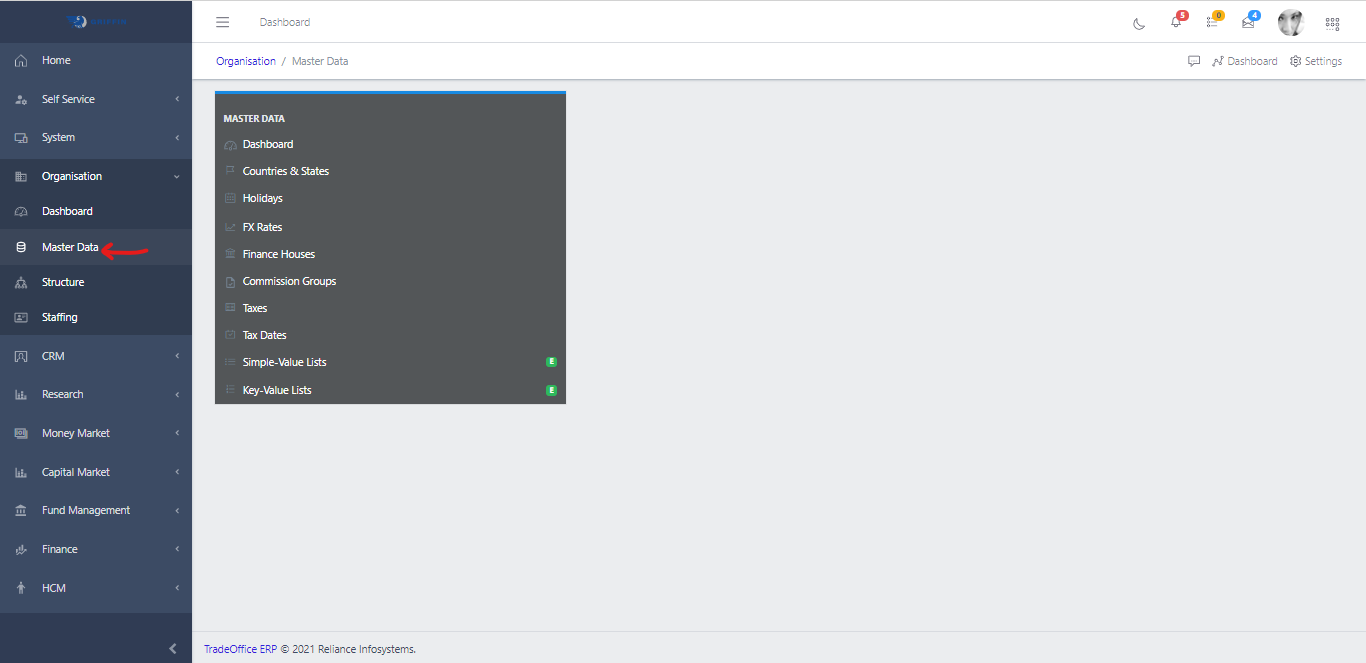
Navigate to Exchange Trade Setup
- Access the Setup sub-module of the Capital Market module and click on Exchange Trade Setup.

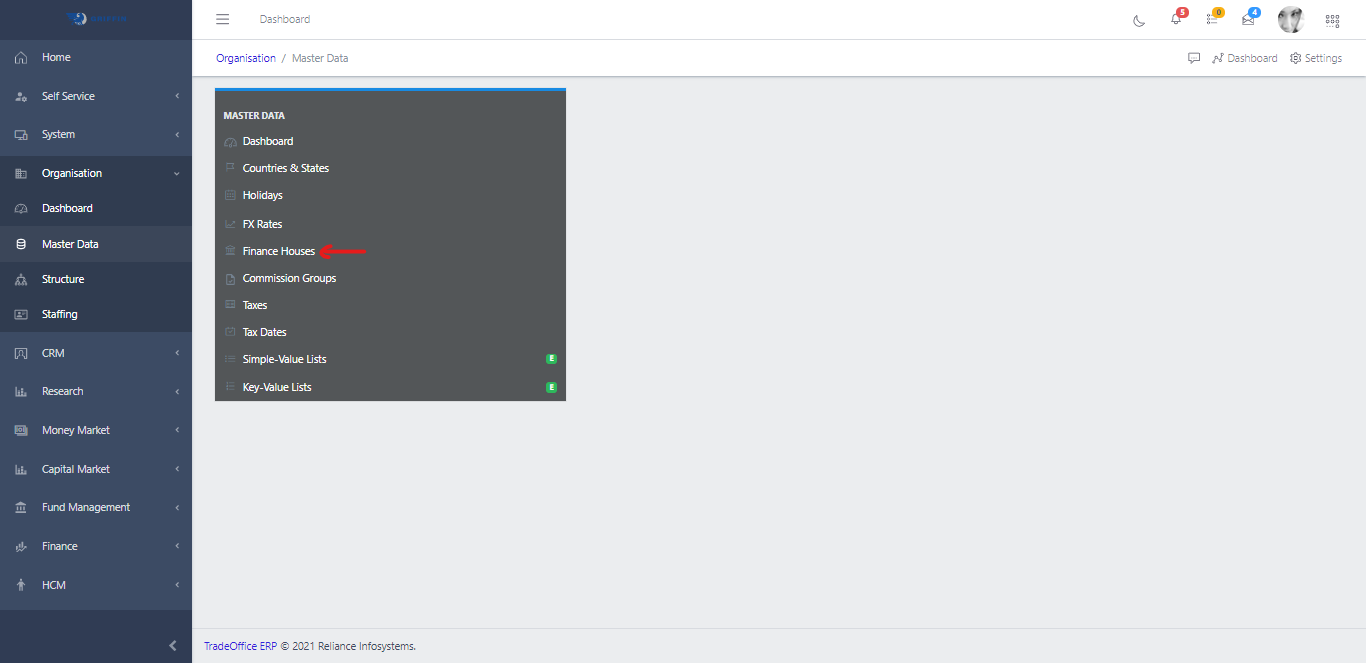
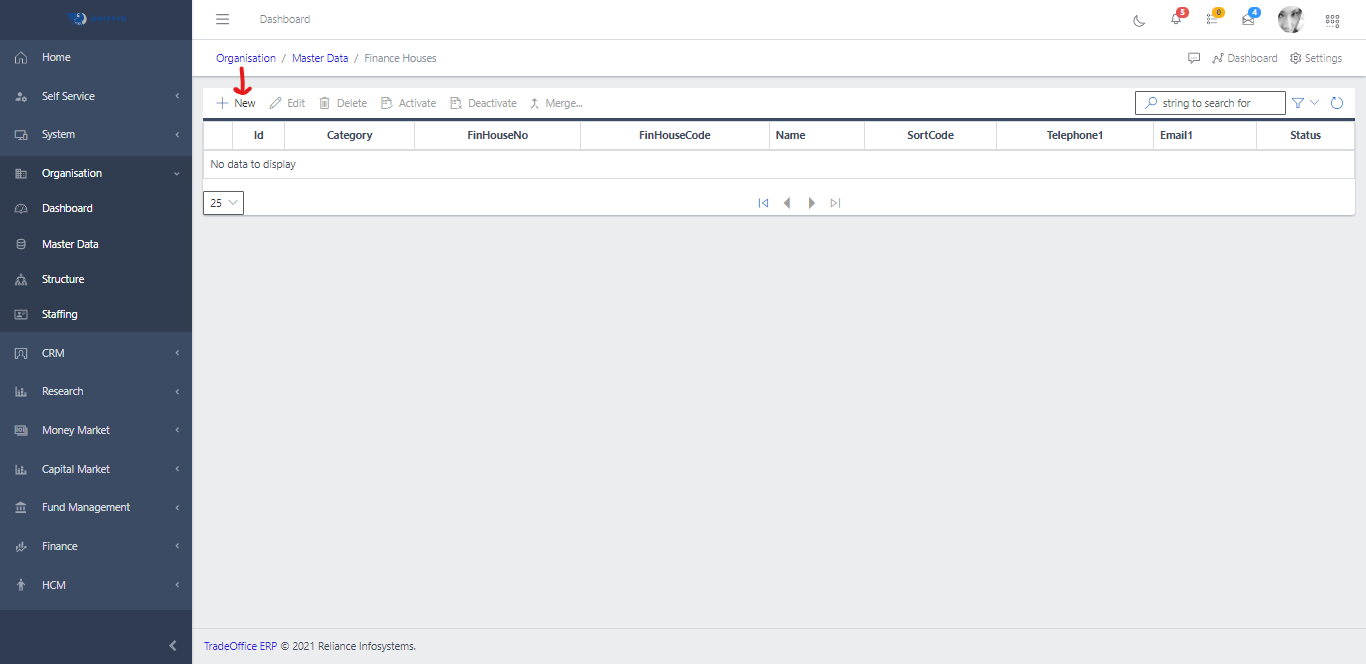
- Click on Finance Houses

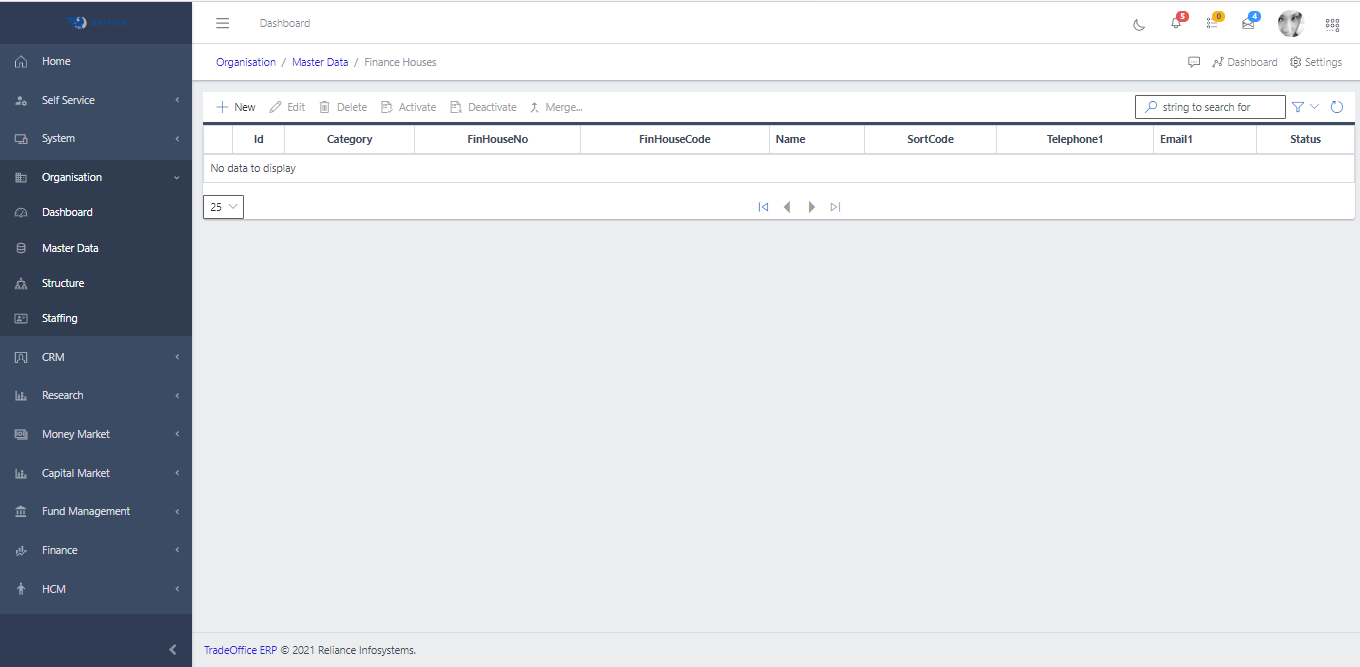
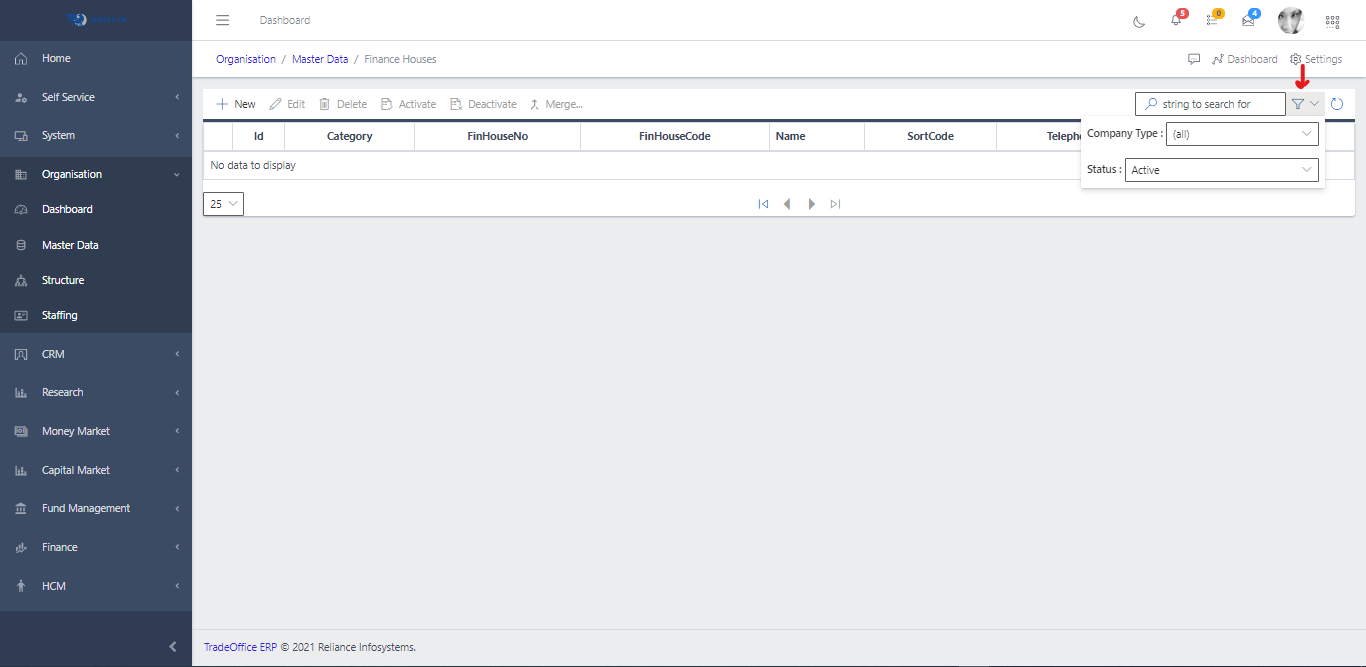
- This displays a list view of Finance Houses

The main landing grid provides a high-level summary of configured exchanges. Key visible data columns include:
UniqueCode / Name: Unique system identifier and official marketplace title (e.g., GB_LSE for London Stock Exchange).
Market Open / Close / FIXStart: Core session intervals and protocol orchestration timers.
Asset Matrix Flags: Checkboxes indicating exchange vertical scopes (IsOTC, Stock, Bond, Commodity).
Operations: Feature flags verifying activated system workflows (Reports, Dealing, Mkt Making).
View Exchange Details & Tabs
- To view or edit a configuration profile, select an exchange from the list view (e.g., NG_NSE). This opens the comprehensive Exchange Trade Setup View.

The upper section displays static profile metadata (Common Name, Common Code, Unique Code, Country, Location, Founded Year, and Total Listings).
Deep configuration parameters are isolated across six structural tabs:
- Trade Attributes: Basic profile definitions, session timelines, and messaging specs.
- Trade Rules: Asset pricing bands, settlement cycles, and volatility constraints.
- Trade Accts: General ledger mapping parameters per subsidiary.
- Dealer Config: Connectivity parameters and network scripts for proprietary desks.
- MktMaker Config: Connection templates dedicated to market-making desks.
- Users: Access control matrices and trader node provisioning.

Configure Trade Attributes
- Select the Trade Attributes tab to configure structural system indicators and API settings.
- Define operational and transmission parameters across the following fields:
- Asset Toggles: Is Stock, Is Bond, Is Futures, Is OTC, Is Commodity, Is Options switch blocks.
- Timers: Precise daily windows for Pre Open, Open, and Close sessions.
- FIX Engine Parameters: Electronic routing tags including Start FIX time, FIX MarketId, FIX Id Source, and the system directory pointing to the dialect file via FIX Spec Path.
Manage Trade Rules (Volatility & Liquidity Limits)
- Select the Trade Rules tab to inspect or update the validity horizons and risk limits applied to specific asset behaviors.
- To establish new control boundaries, click the New button to initialize the parameter creation form.
- Populate the rule form fields:
- Instrument Type: Dropdown selector linking the parameters to a specific asset category (e.g., EQUITY, BOND_NAT, COMMERCIAL_PAPER, DERIVATIVES).
- Start Date / Clearing Days: Effective validation date and associated transaction settlement window (e.g., 1 day for $T+1$).
- Can Limit PriceMovt: Switch component activating the system’s volatility circuit breakers.
- Plain Trades vs Market Maker Trades: Distinct matching engine parameters assigned to retail blocks versus market maker books:
- Price Decrease Limit / Price Increase Limit: Maximum daily variance ceiling percentage.
- MinQty For PriceChange: Minimum transaction sizing thresholds required to adjust market spot rates.
Map Financial Accounting Triggers (Trade Accts)
- Select the Trade Accts tab to view general ledger automation scripts organized by corporate sub-entities.
- To map accounting interfaces for a company, click New and configure the chart of accounts search relationships.
- Assign the appropriate General Ledger (GL) string components:
- Company & Start Date: The operating legal entity and structural effective date.
- Clearing Acct: The clearing/suspense account processing trade lifecycle assets.
- ProfitLoss Acct: The target ledger account tracking realized trading gains, losses, and transaction fee expenses.
- Dealer Bank Acct / Maker Bank Acct: Designated bank cash accounts for clearing settlements.
Establish Network Connectivity Scripts (Dealer / Market Maker Config)
- Select Dealer Config or MktMaker Config to manage real-time exchange connection endpoints.
- Set up operational variables:
- Toggle Dealer/MktMaker Operating statuses and attach the operating institutional tracking identifiers (Dealer Code, Dealer Company).
- Review or modify raw configuration scripts within the FIX Config command window to adjust parameters such as HeartBtInt, ReconnectInterval, FileStorePath, and target connectivity endpoints (SocketConnectHost, SocketConnectPort).
Authorize Trader Terminals & Identities (Users)
Select the Users tab to analyze or configure the terminal authorization list for the exchange.
Click New within the workspace toolbar to authorize a new clearing operator or session node.
Specify identity management properties:
- IsMarketMaker / User Type: Access tier classification selectors (Person, Company, or automated machine FIX line).
- User Name / Roles: Core system credential assignments and authorization groups (e.g., TRADER, FIRMMGR).
- Security Constraints: Toggles for password cycling controls (Reset User Pwd, Auto Schedule Reset).
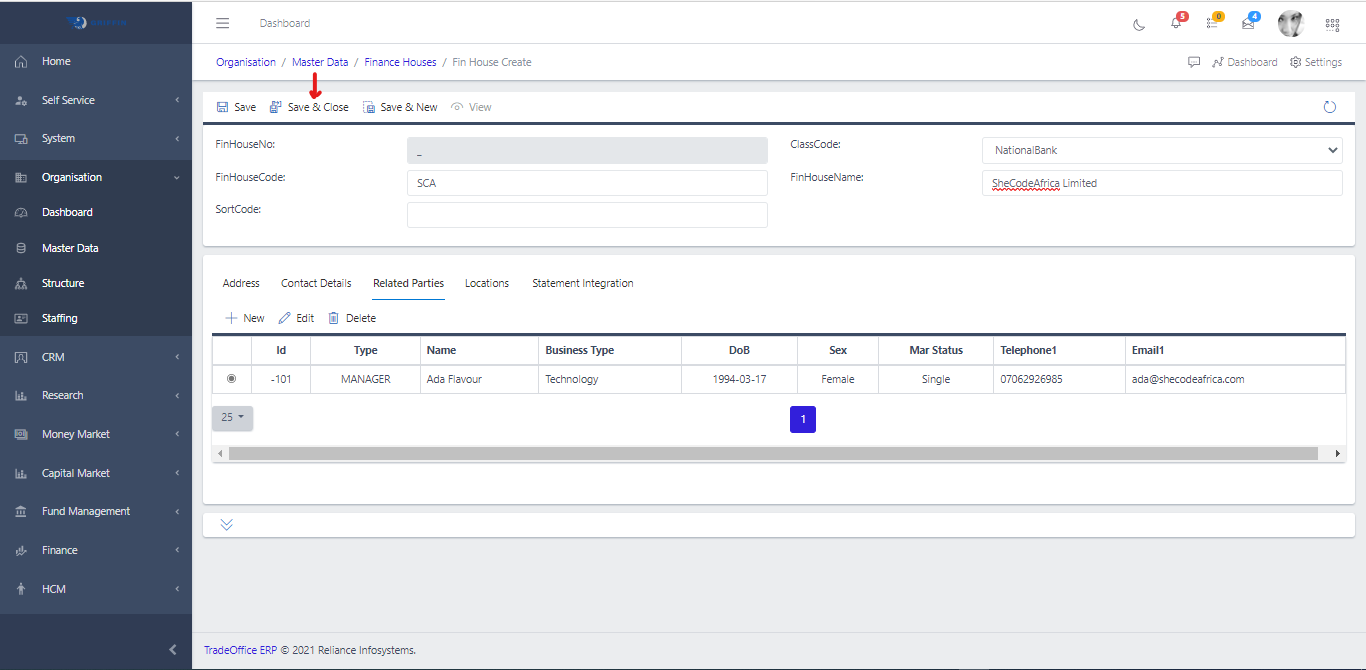
When configurations across all profiles are accurate, hit the Execute or Save buttons to preserve parameters, and select Activate in the master toolbar to push configurations live.