Title here
Summary here
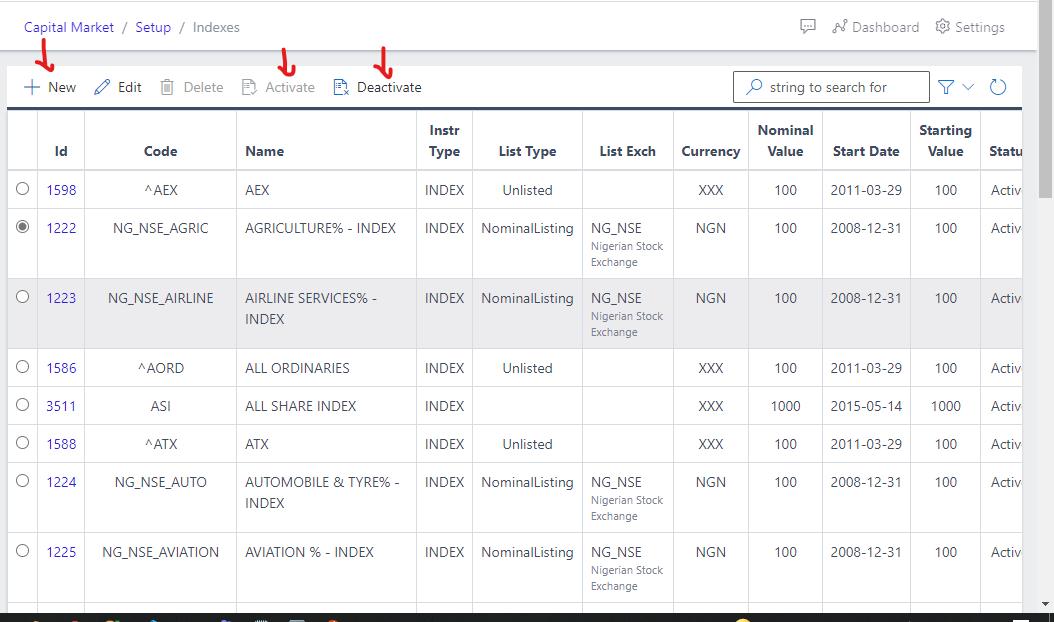
Indexes operations can be accessed by navigating to Capital Market,Setup,Indexes shown in Fig 1 below. This part of the app host the various Indexes available to be traded on, some Indexes have already been loaded into the system, but users can also create a new index when they are unavailable. All of these Bonds have nominal values, currency and starting values attached to them.
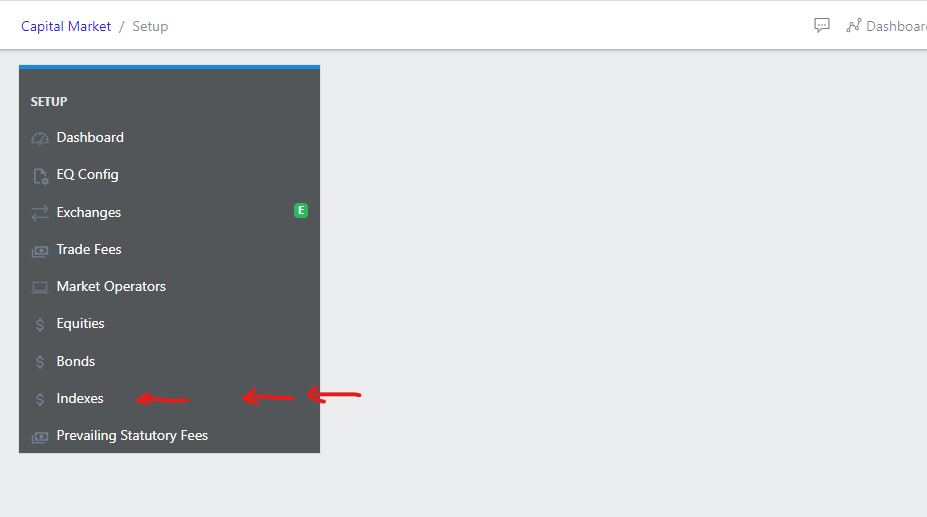
Clicking on the Bonds in the dashboard view as shown in fig 1 above, opens a new screen that shows a list of all the current Bonds that exist in the system. Fig 2 below, shows a list of all the available Bonds in the system.