Title here
Summary here
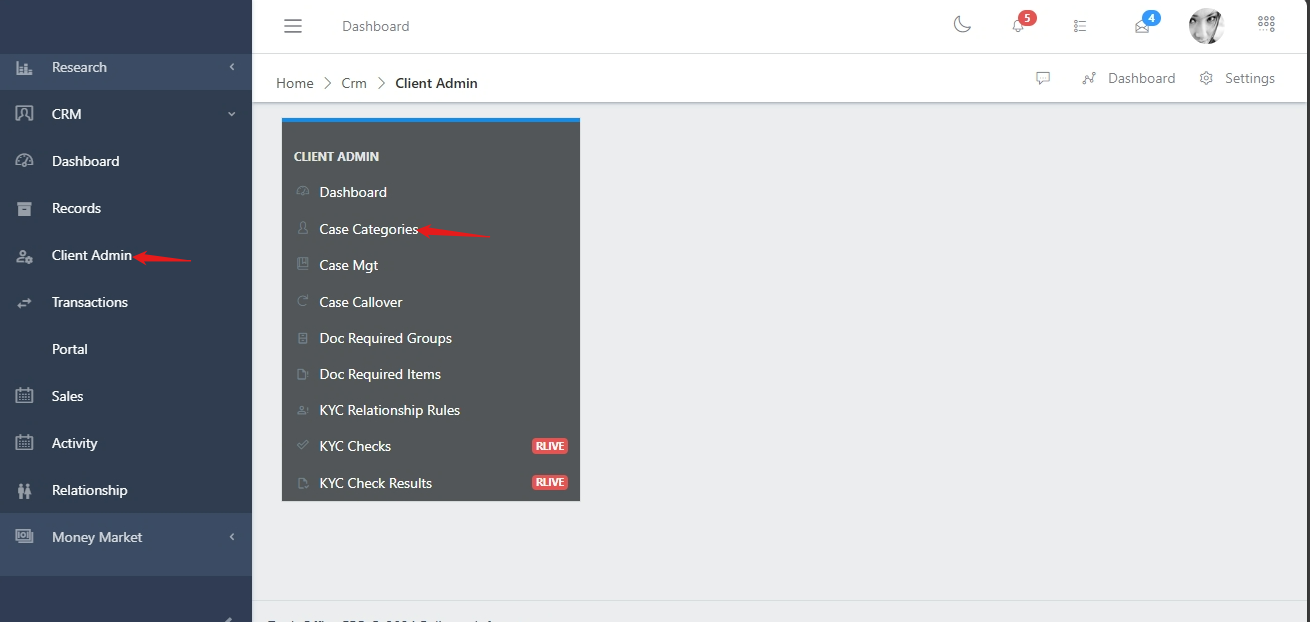
To navigate to the case callover section, from the homepage of the ERP, on the side bar navigation locate the “CRM” module and click on it, you will see a list of drop down menus, select the “Client Admin” sub menu in the dropdowm menus, you will have the records dashboard displayed with different sub modules, now select the “Case Categories” menu. see image below
Click on the search button as shown in Fig 1.0, select the customer code or probably the description and you can filter with the customer code.
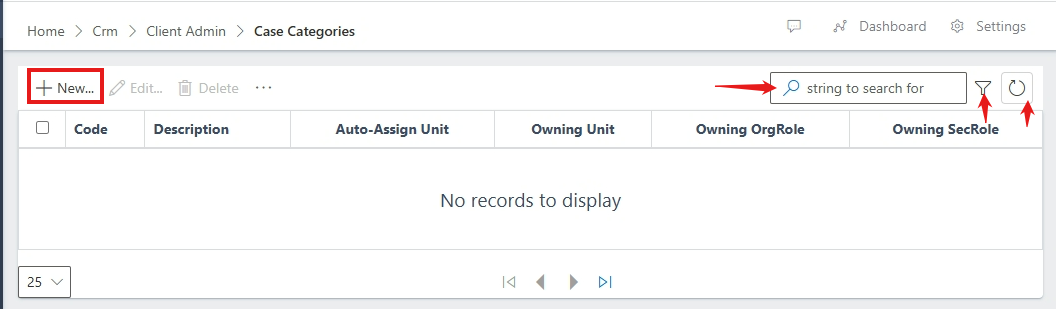
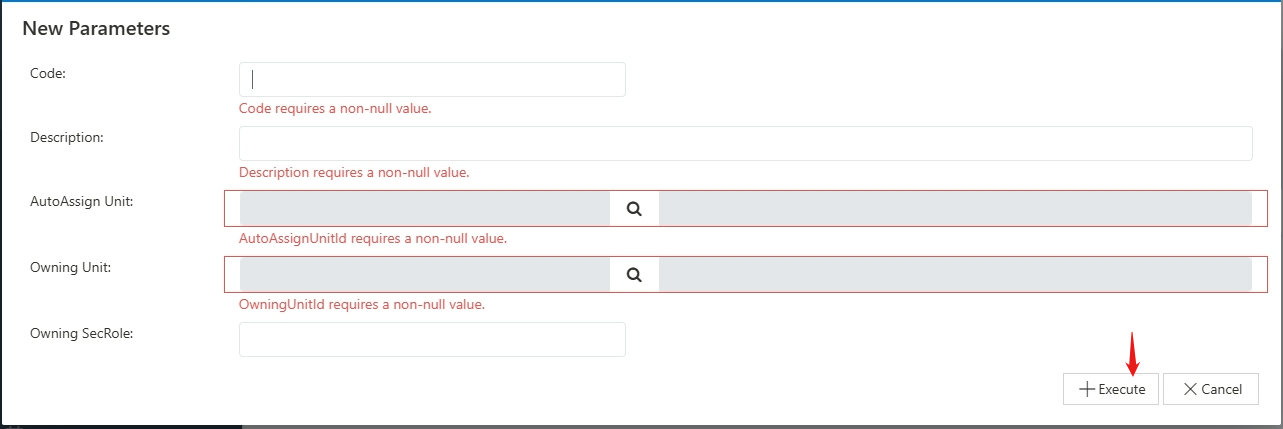
To create a case category, you will click on the “New” button and the form modal will pop. On the form, you will fill the required fields and then click on execute.