Title here
Summary here
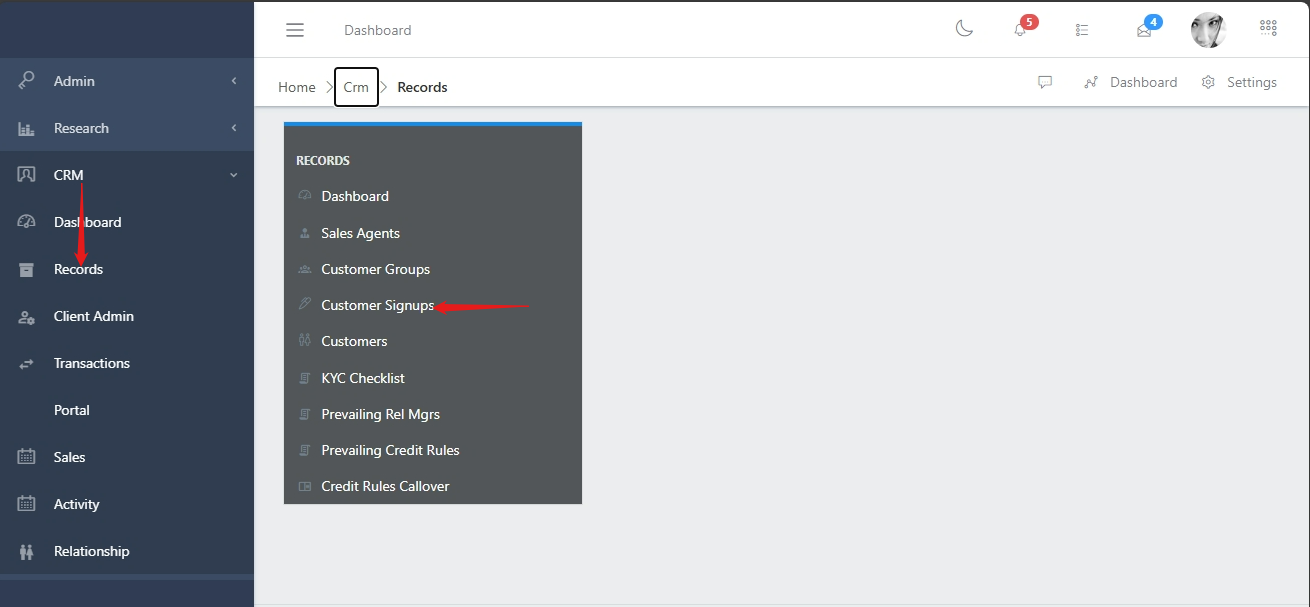
To navigate to the customer submodule, from the homepage of the ERP, on the side bar navigation locate the “CRM” module and click on it, you will see a list of drop down menus, select the “Records” sub menu in the dropdowm menus, you will have the records dashoard displayed with different sub modules, now select the “Customer Signups” menu. see image below
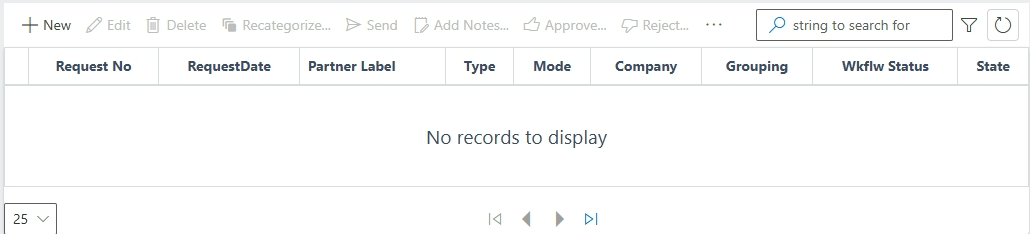
In the customer signup view you have a centralized list of all customers with a summarized information view. You also have a list of commands (highlighted in the image below) above the customer list that you can use to perform various actions on a particular customer or group of customers by selecting the checkbox on the left hand side of the customer’s ID.