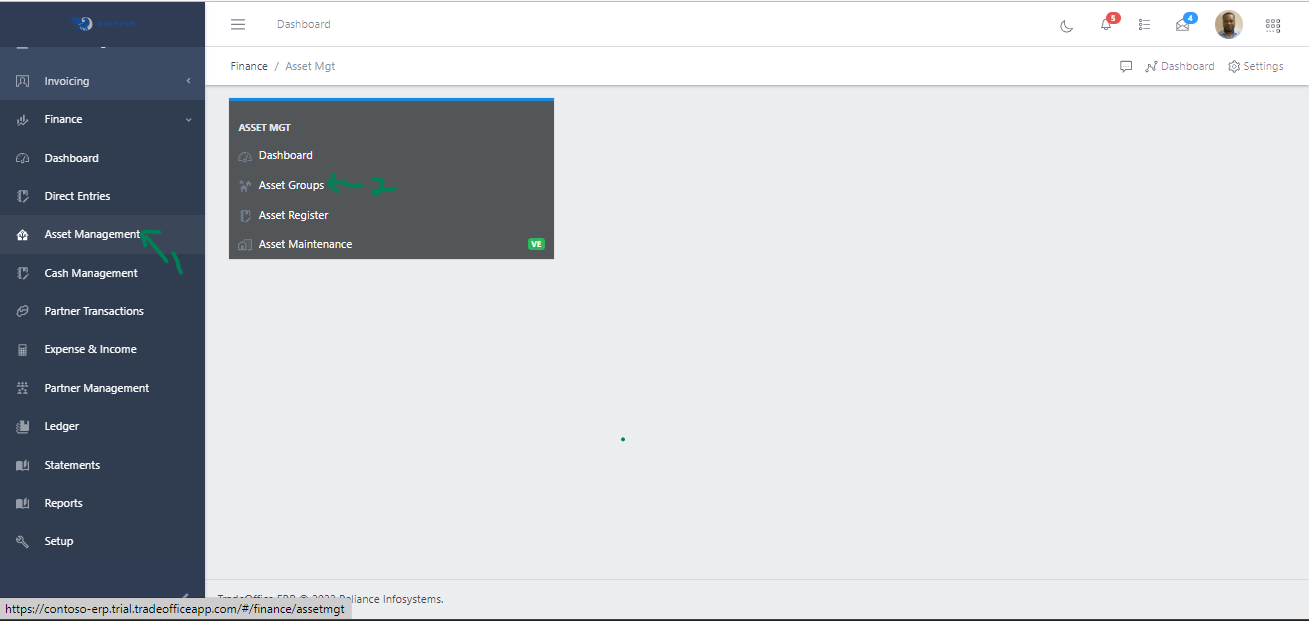
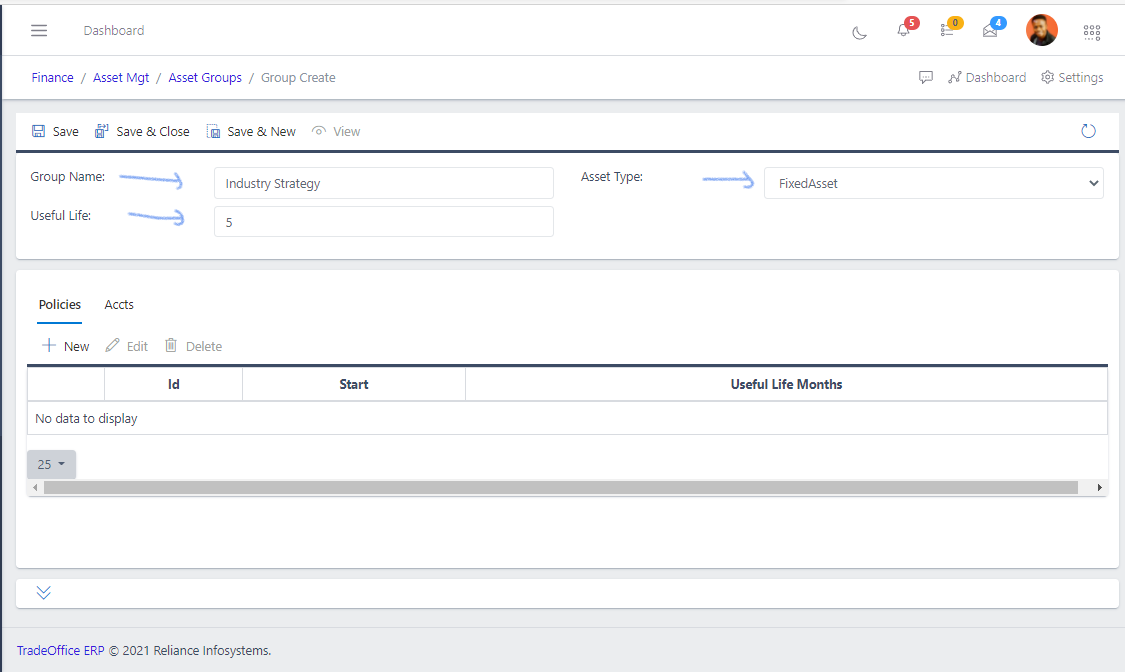
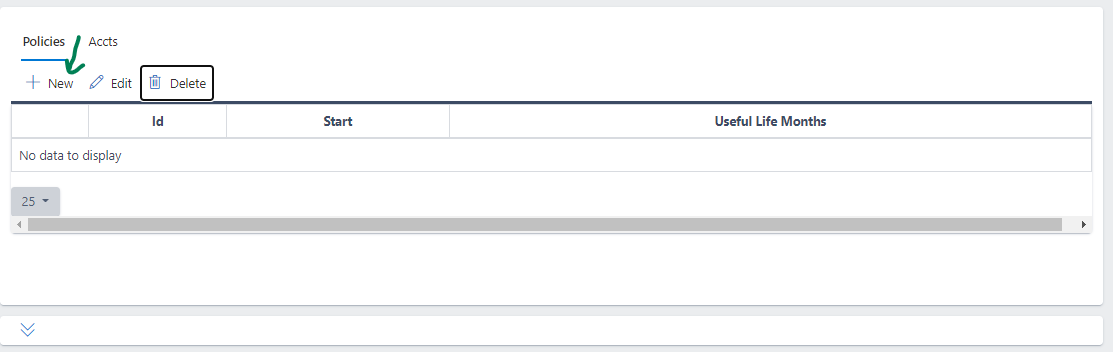
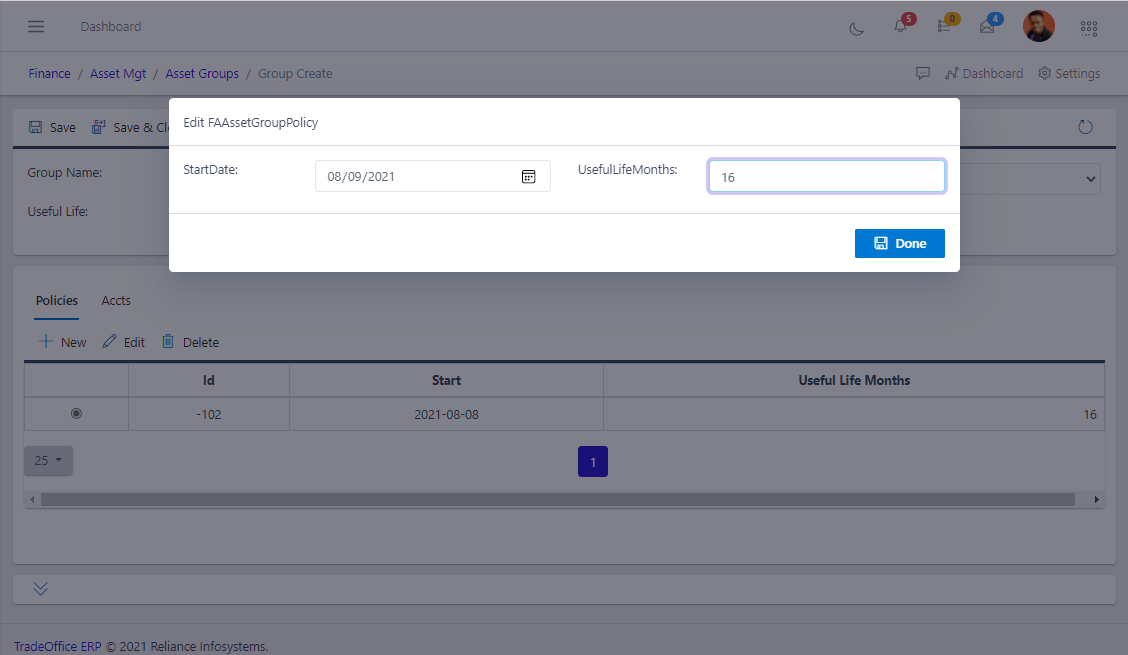
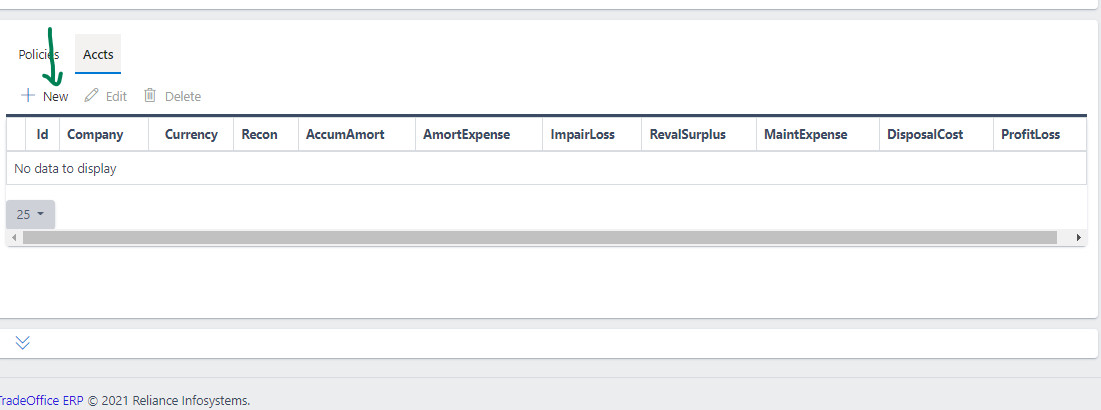
Step 1: Access the Asset Management sub-module of the Finance module from the left sidemenu as shown in the fig1 below
Step 2: Click on Asset Groups as shown in the fig1 below.
Fig 1 Navigating to Asset Groups
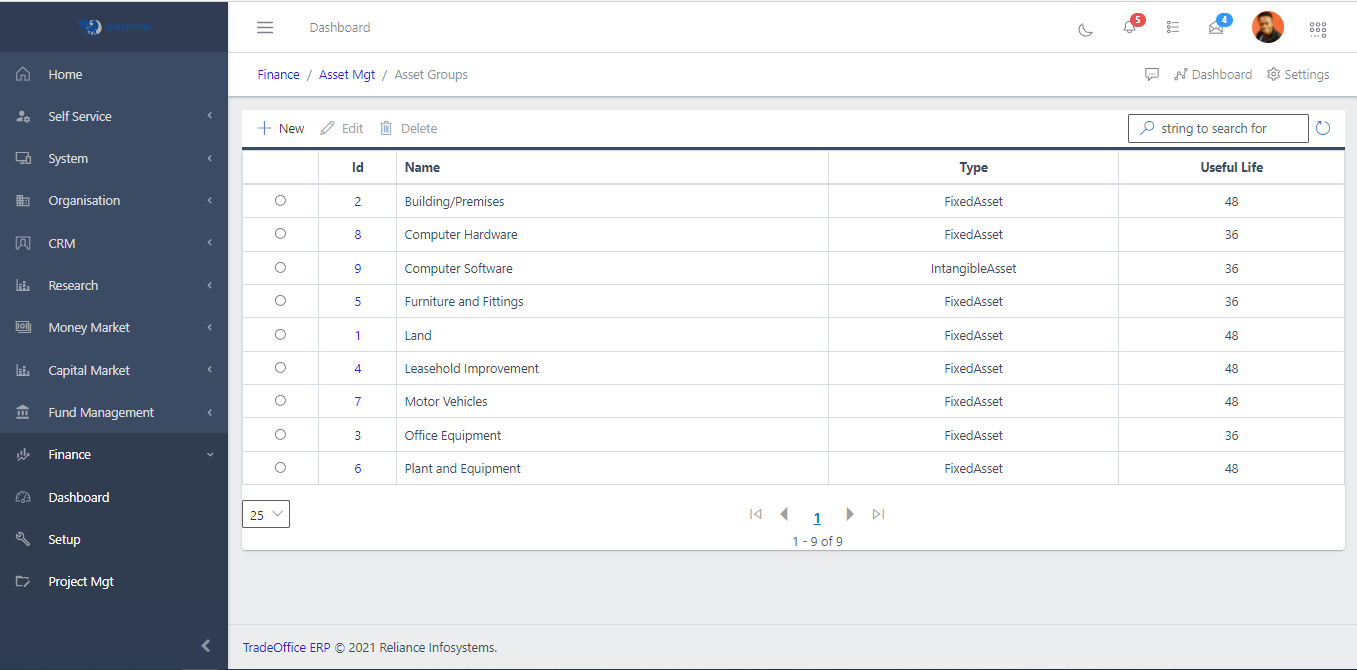
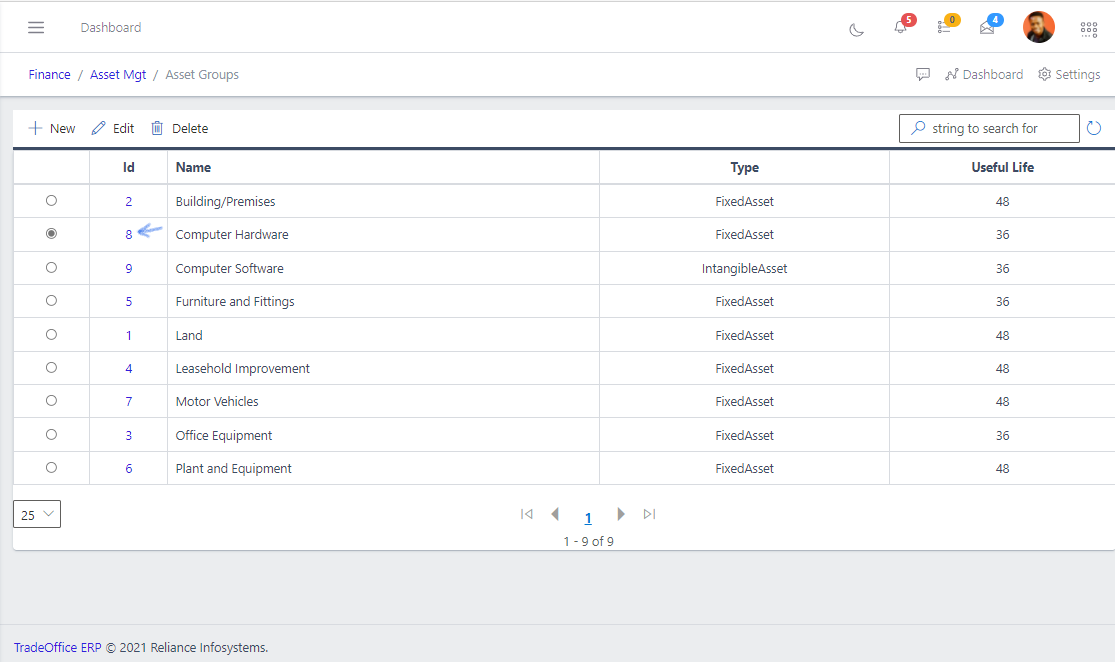
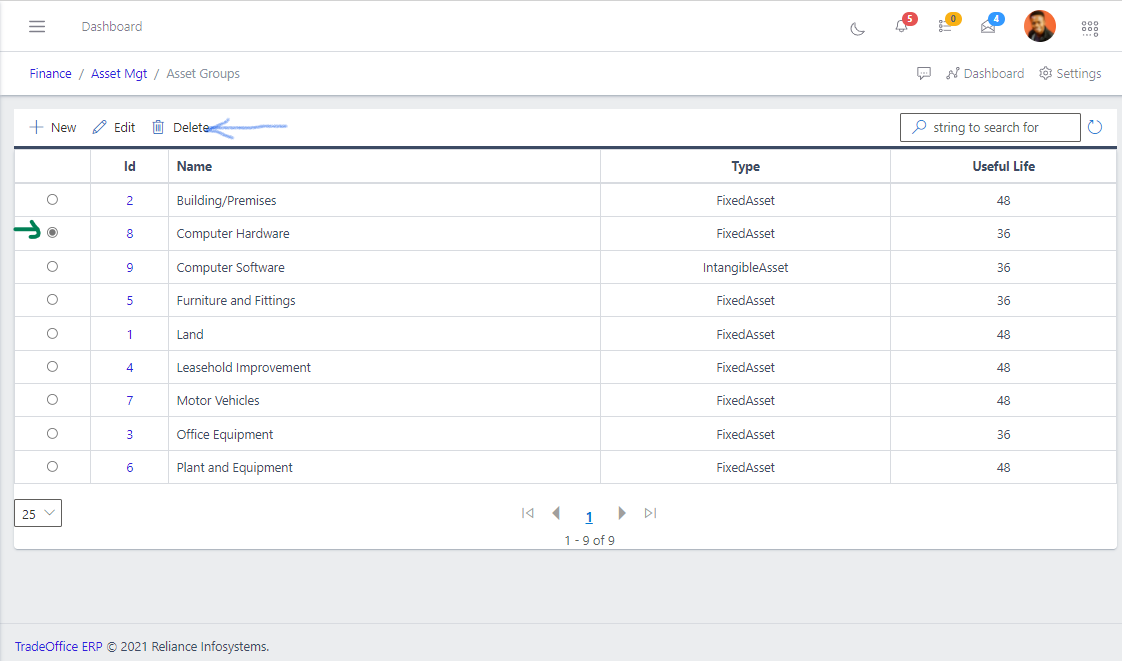
- This displays a list view of Asset Groups as shown in fig2 below.
Fig 2 Listing Asset Groups
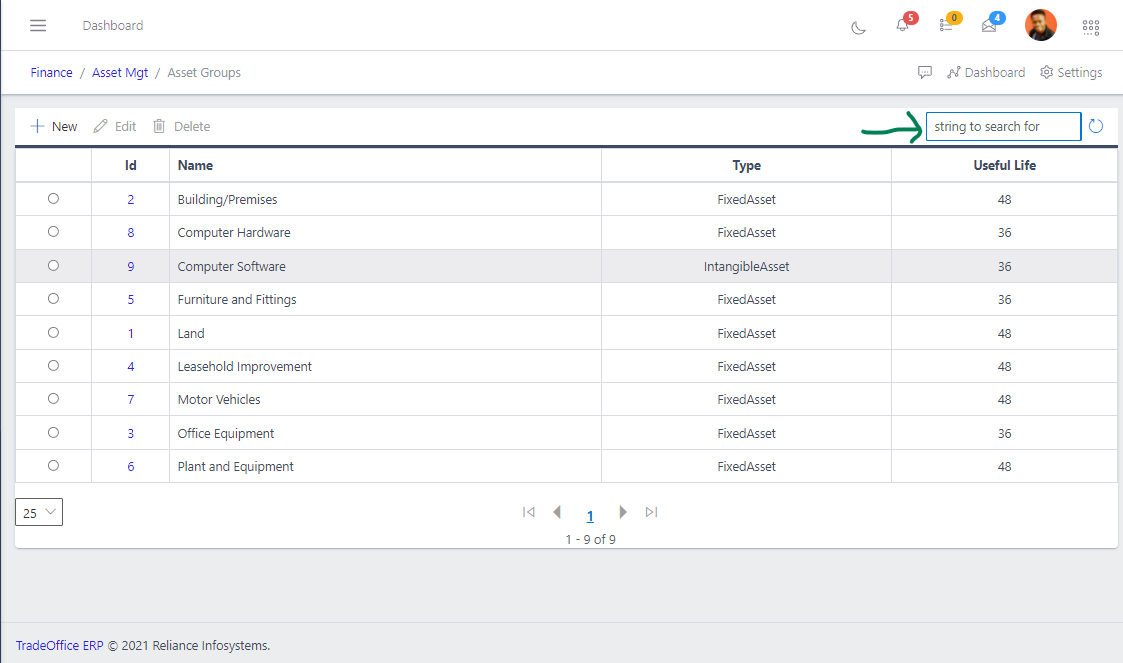
- Use the Filter button, when clicked, gives you a dropdown where you can specify various parameters for filtering the records:
- Search string: for filtering records as shown in fig3 below