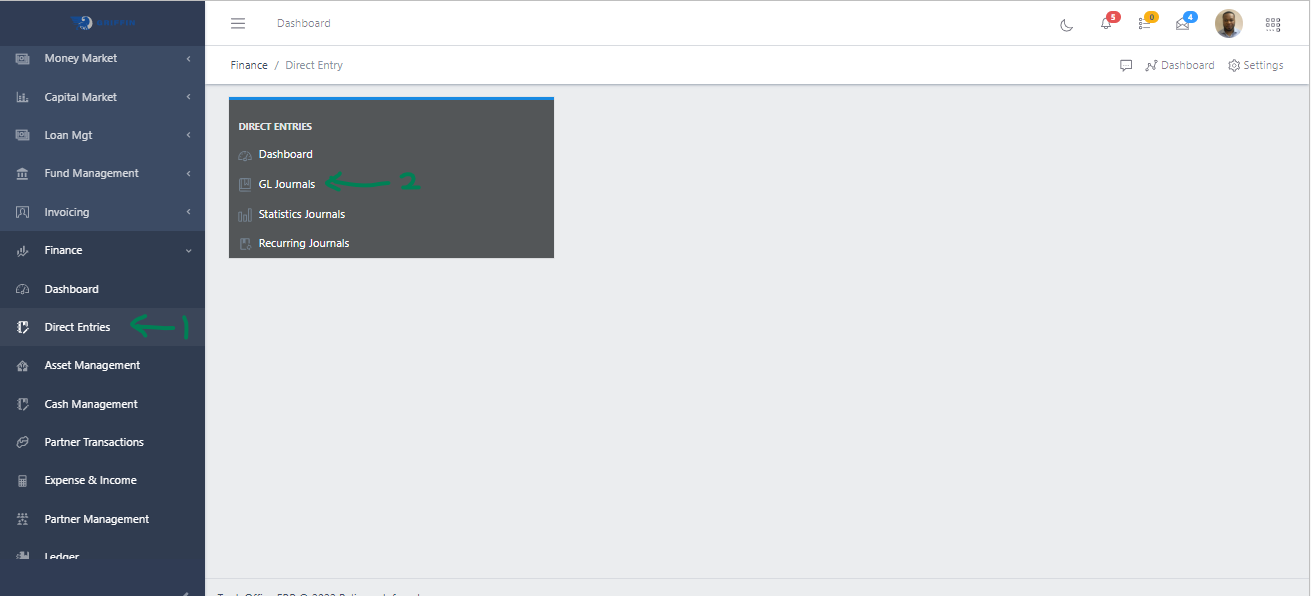
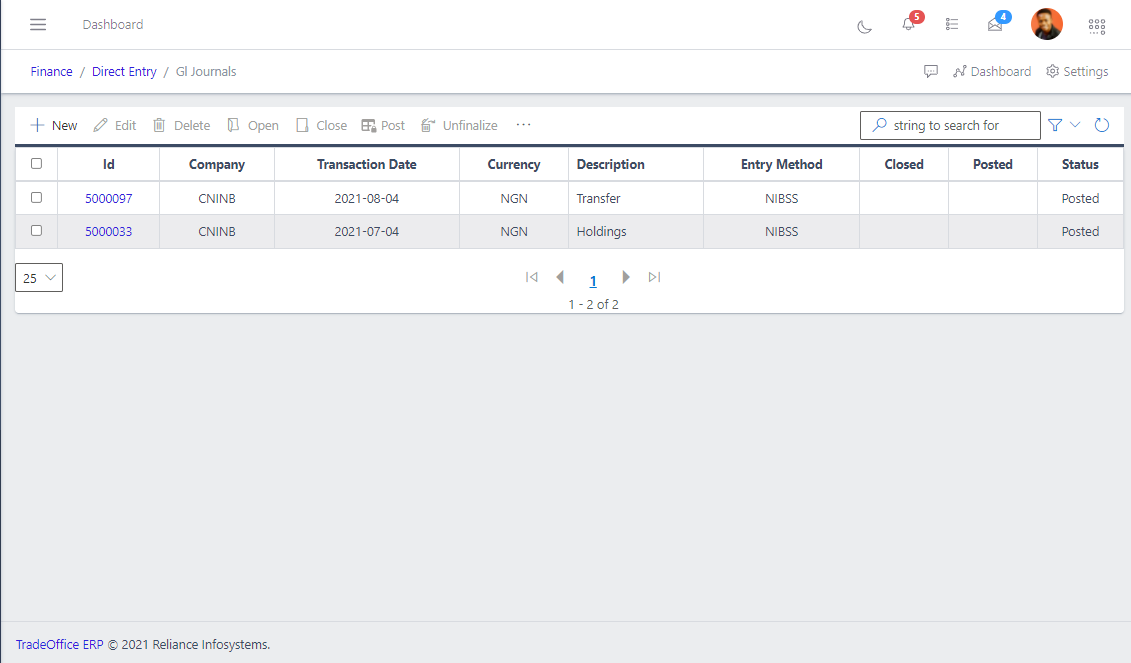
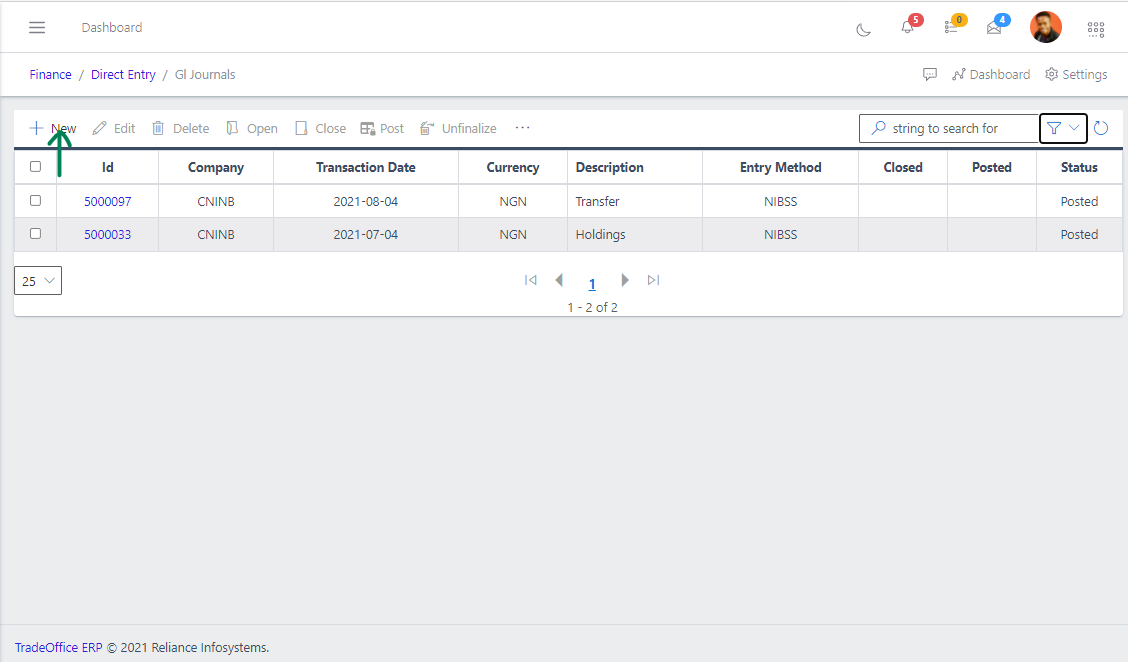
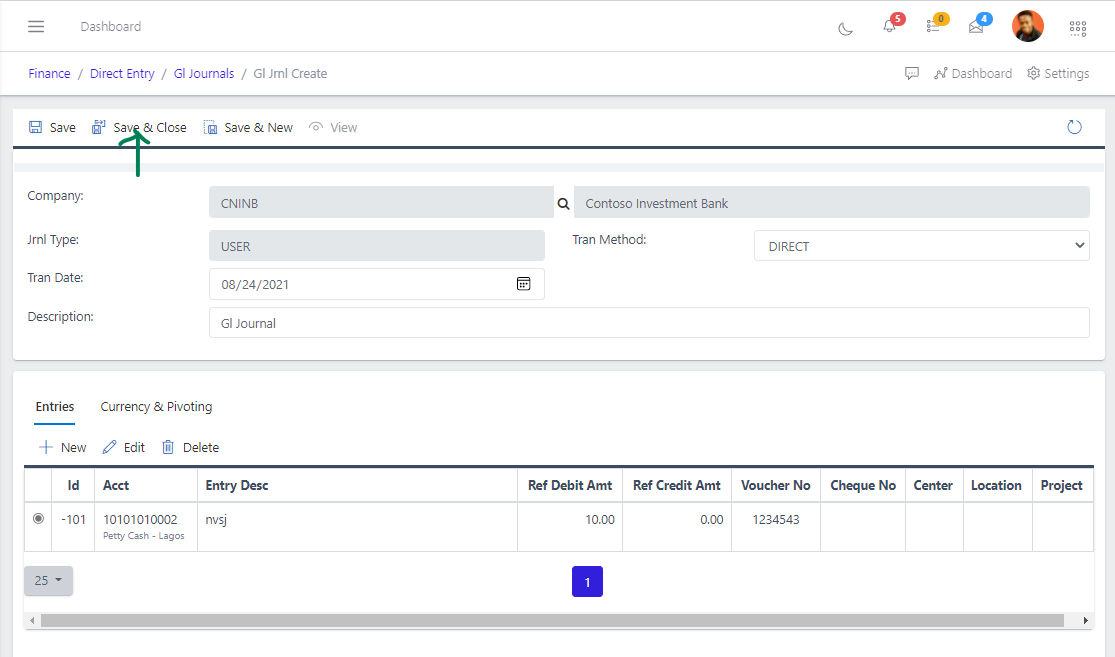
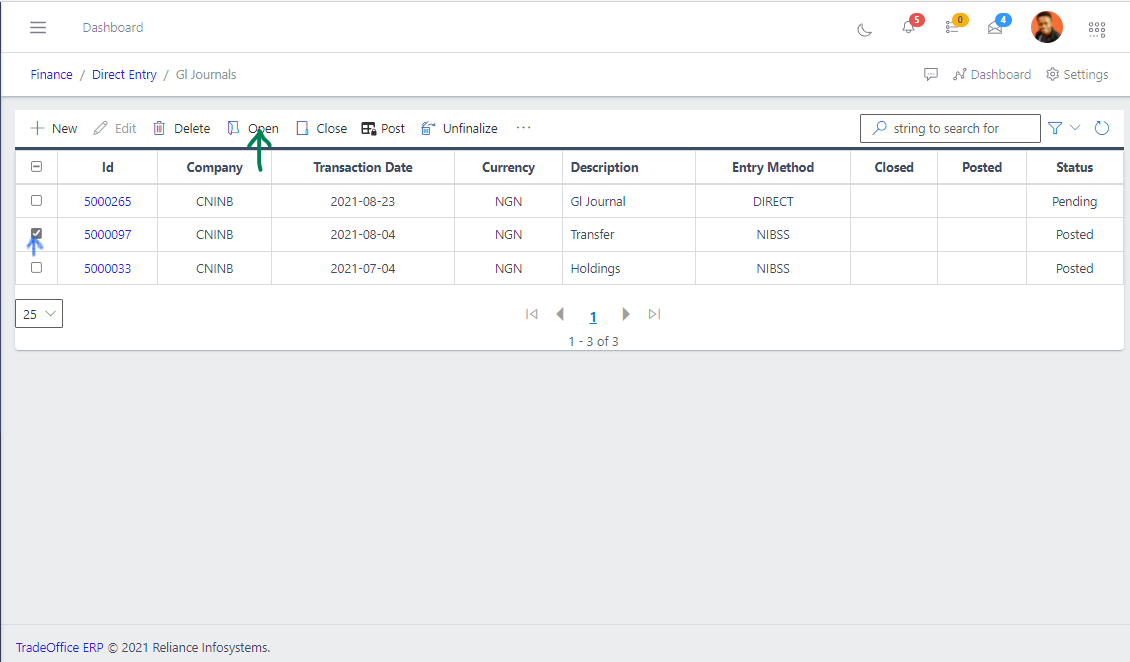
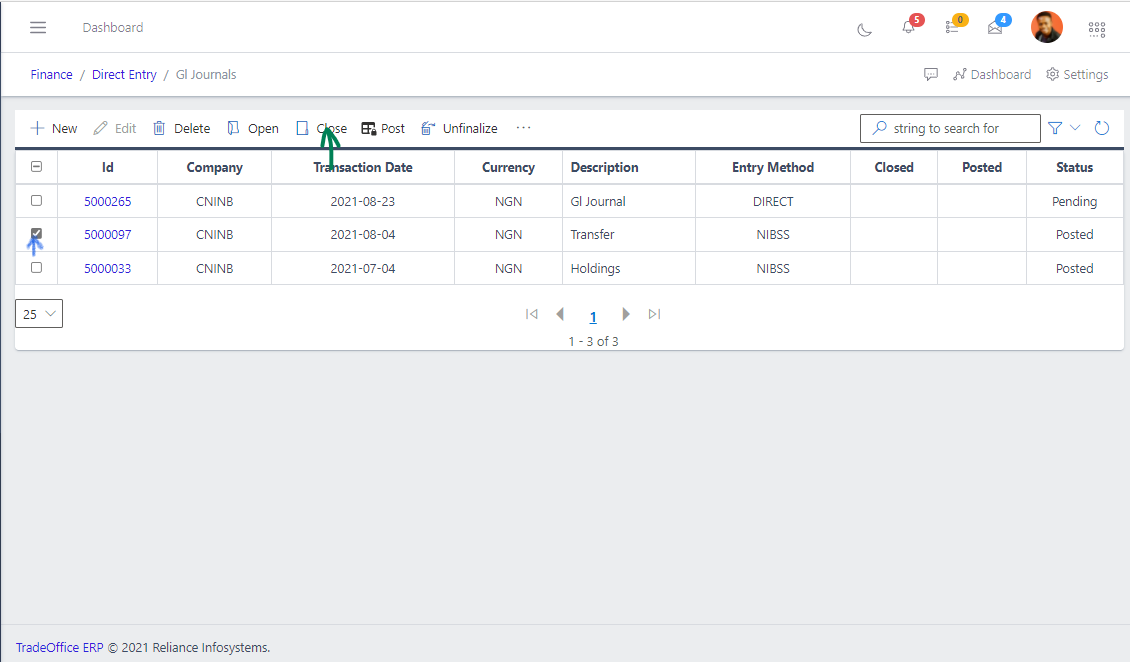
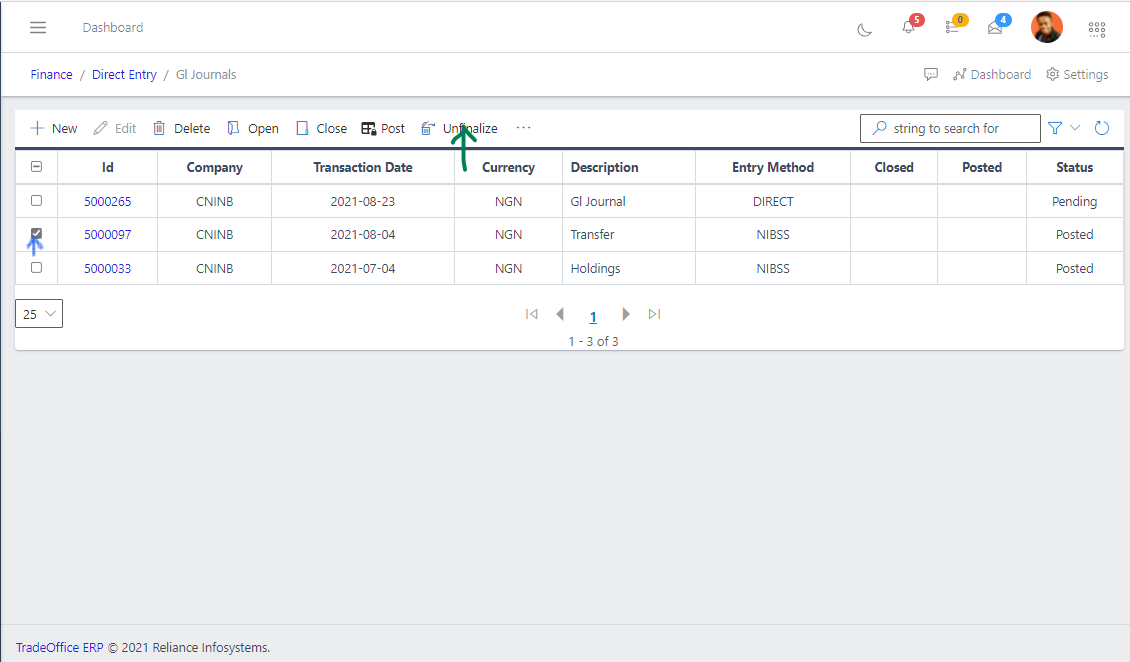
To create a GL Journal, hit the Create button in the toolbar area and populate the form fields.
Fig 4 Creating GL Journal
The following are some of the fields that needs to be populated:
Company
Transaction Date
Transaction Method
Description
You also need to populate the fields in the Entries and Currency and Pivots
Click the New button in both the Entries and Currency and Pivots
After filling out the form, hit the Save and Close button.
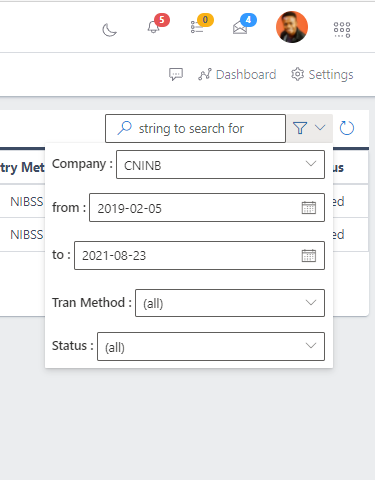
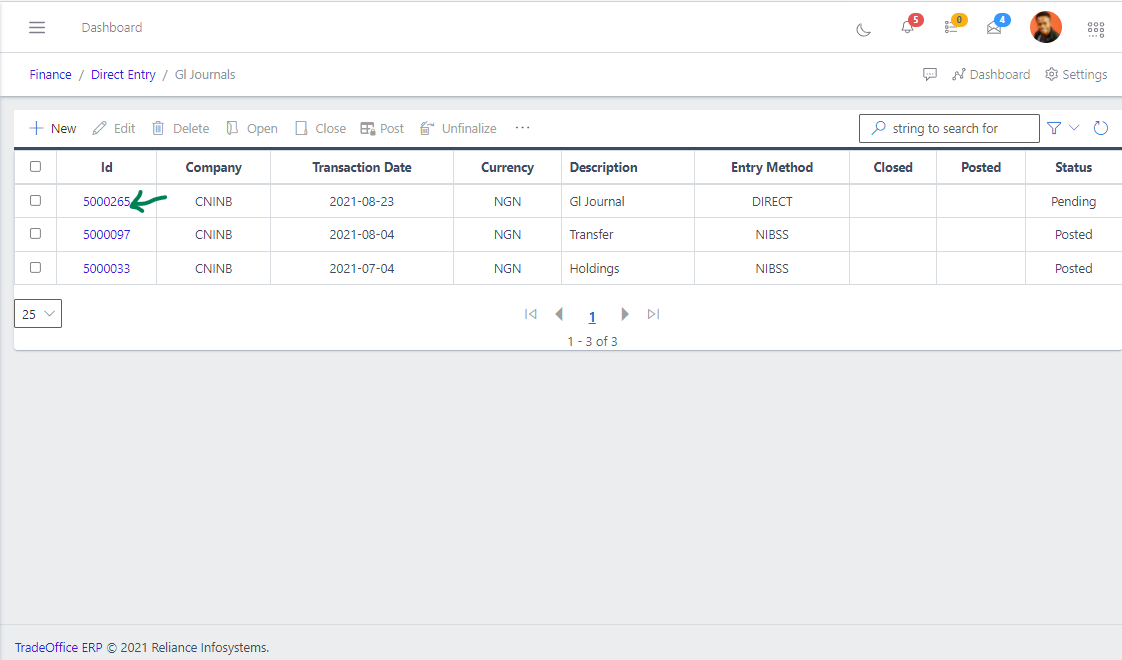
After saving, you will return to the list view of the GL Jounals, use the search filters to get the newly created GL Journal, specify a status of pending.