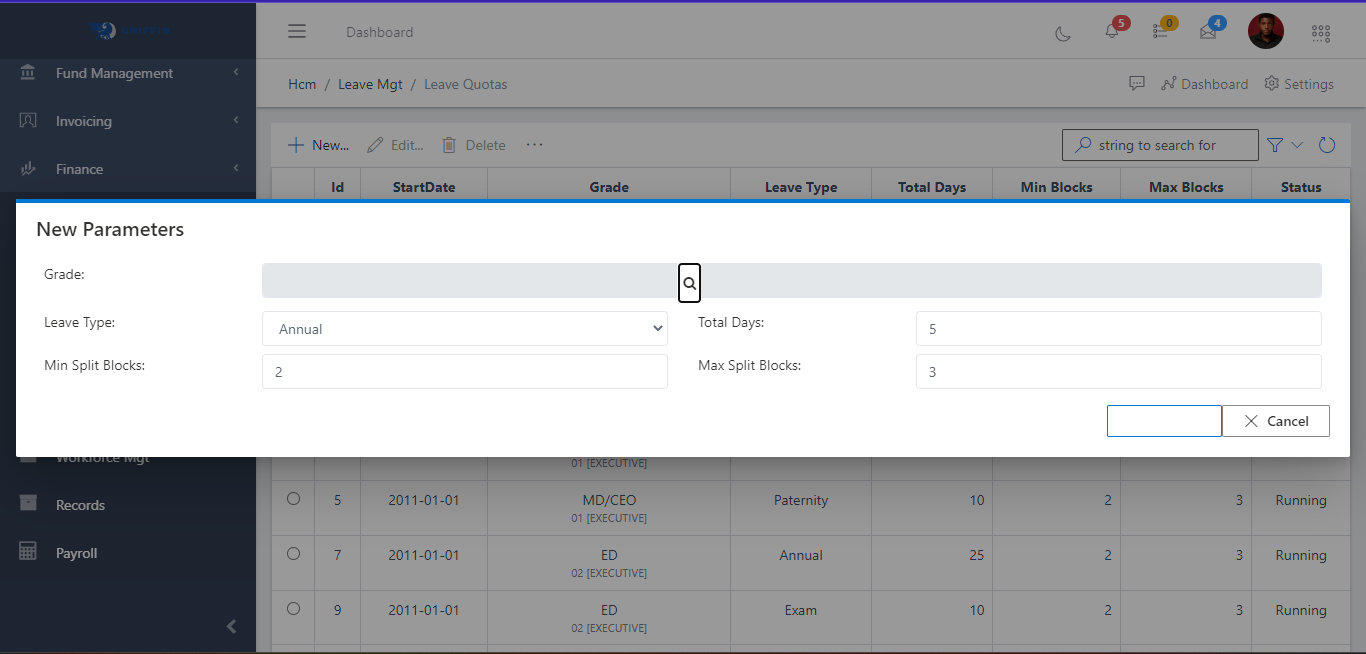
Title here
Summary here
This component captures all of leave Quota, number of leave days, Grade level, leave type, Start date and the status of each leave quota. . From the FIG below, the HR can do the following:
1.	Creating a new leave Quota

2.	Edit a Leave Quota

3.	Delete a Leave Quota
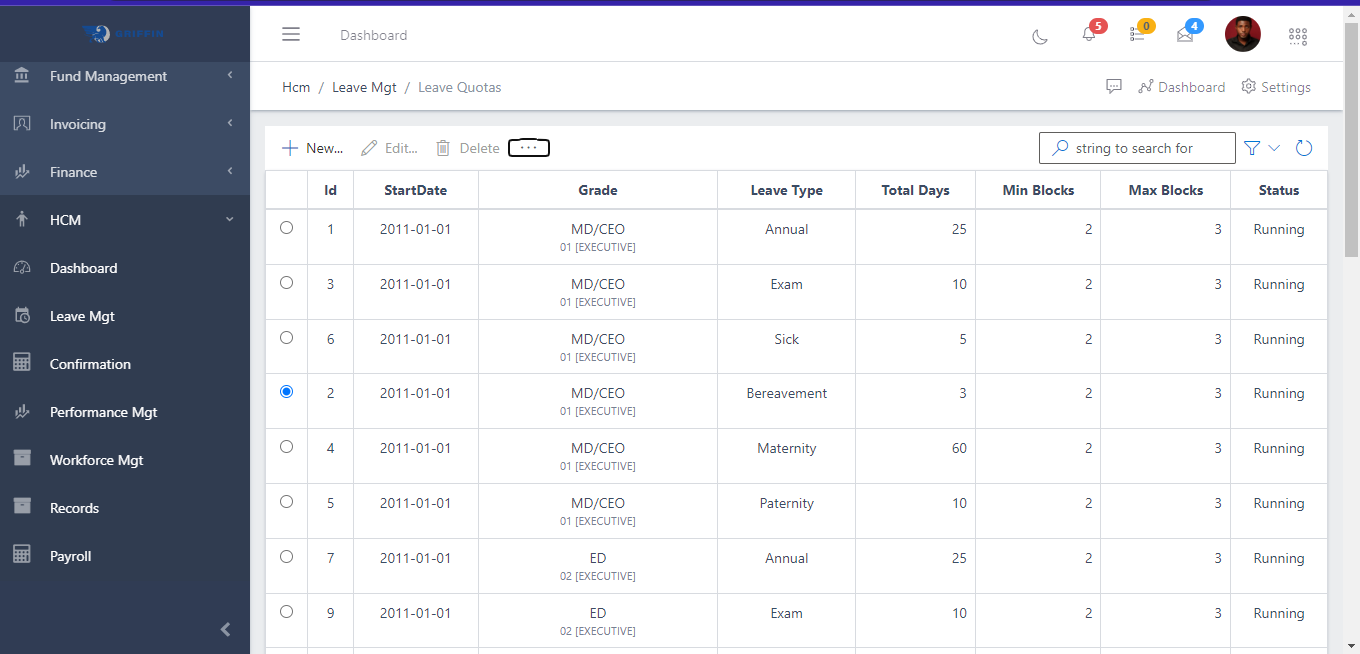
To create for a new leave quota, you need to click on the New button as shown in the FIG below.