Title here
Summary here
This is where the issuing houses for debt securities (Promissory Notes and Commercial papers) are created. Issuing houses can be a bank or a financial institution that serves the purpose or registering, distributing, and selling securities. Issuers can be found by going to Money Market -> Debt->Issuers.
Fig 2 below shows a list view of Issuers on TradeOffice.
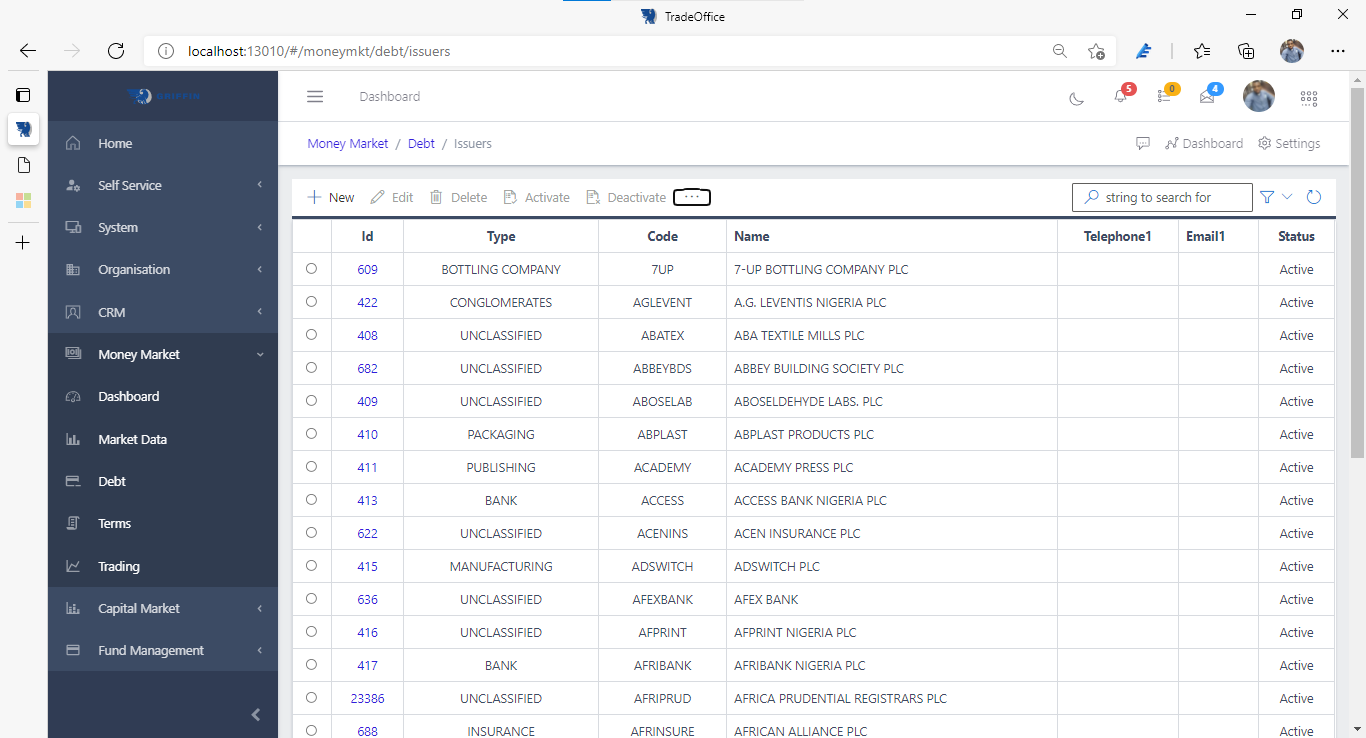
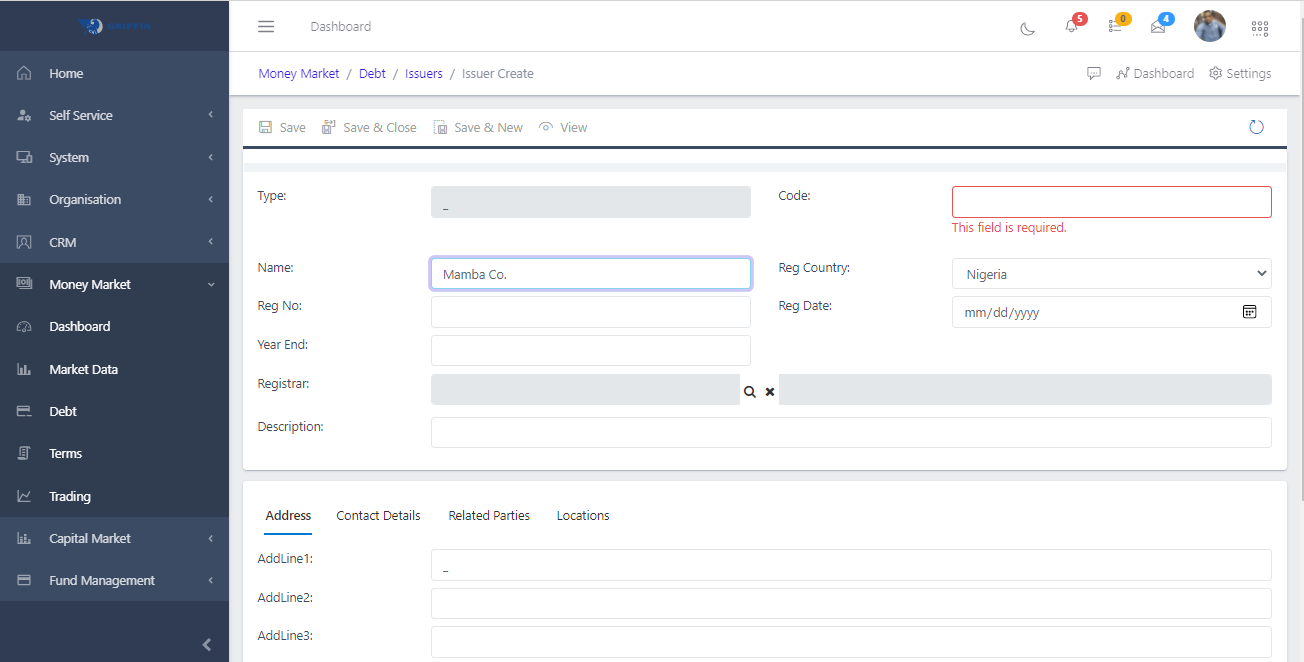
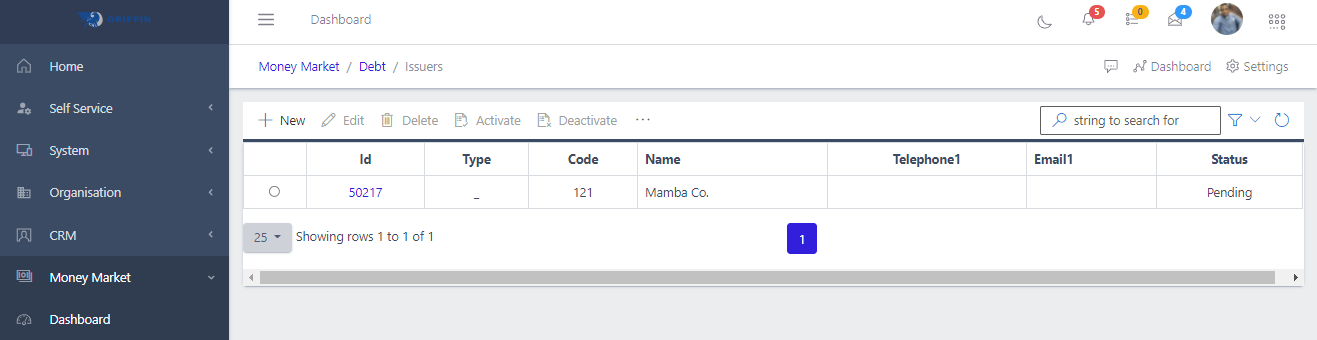
Fig 2b shows all the required fields to enter while creating an Issuer. The field on red (Code:) is compulsory and must be entered before the save button can be highlighted. Once you are done filling the fields and hit the save button, the newly created Issuer moves to the [Pending] status. To change the status to active, you use the filter to filter for Pending then hit the [ Refresh] button. It brings out the filtered new Issuer in Pending status as seen in Fig 2c, you then hit the [Activate] button to change the state to active.
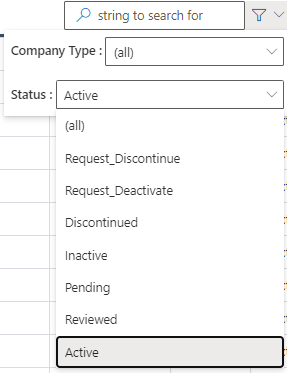
Fig 2a below, you can streamline the filter to reduce the number of Issuers displayed, a particular Issuer that meets certain criteria.