Title here
Summary here
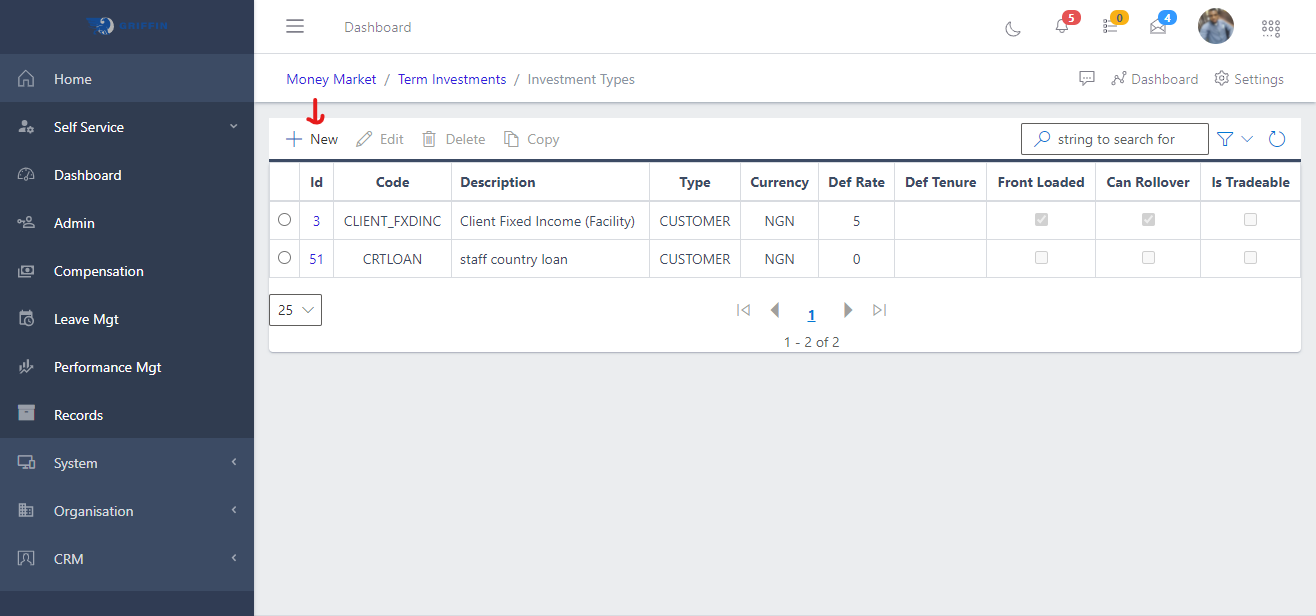
The Investment Types feature is used for creating a new term investment. This is used in categorizing term investments. It is a needed component of the term investment feature.
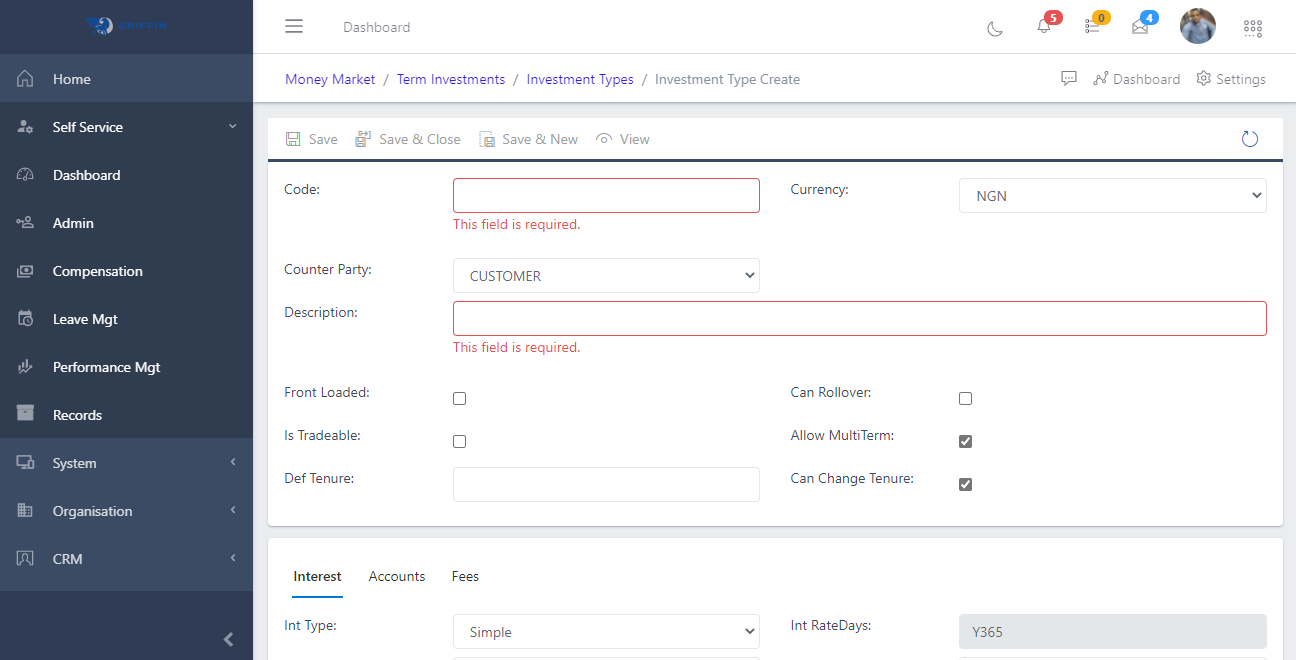
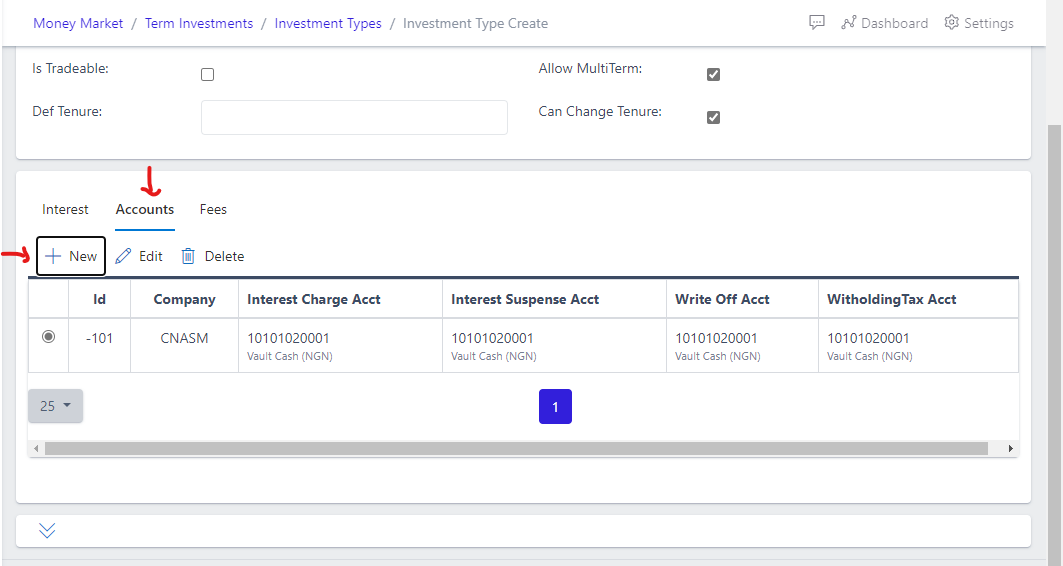
Shown below are all the required fields to enter while creating an Investment Type. The fields on red are compulsory and must be entered before the save button can be highlighted.
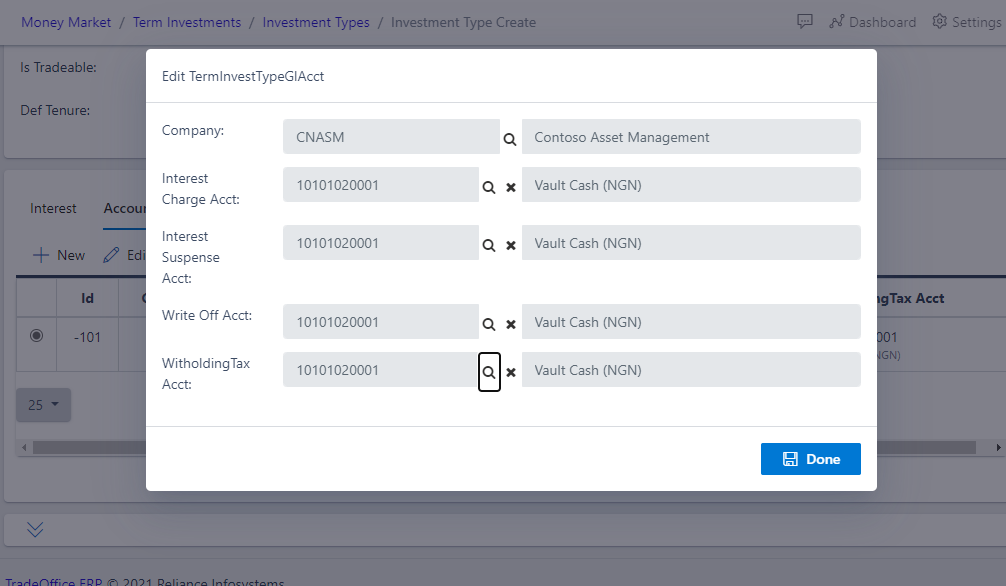
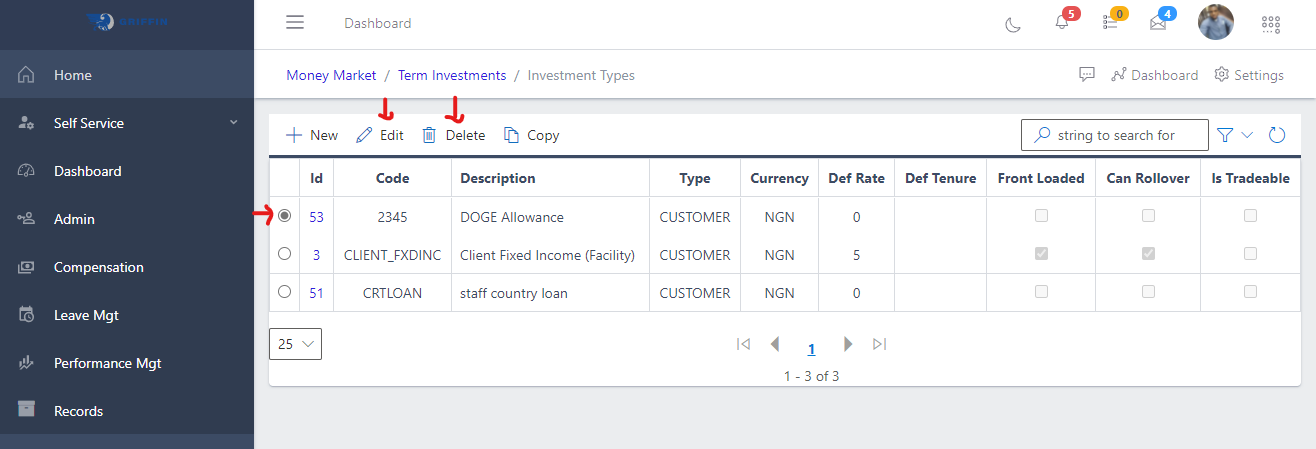
As shown in Fig 1e below , the radio button for an investment type has to be clicked on before the edit and delete buttons can be active.