Title here
Summary here
Creating and processing Instruments is an activity that can be initiated from MONEY MARKET->Term Investments->Investments as shown in Fig 2.
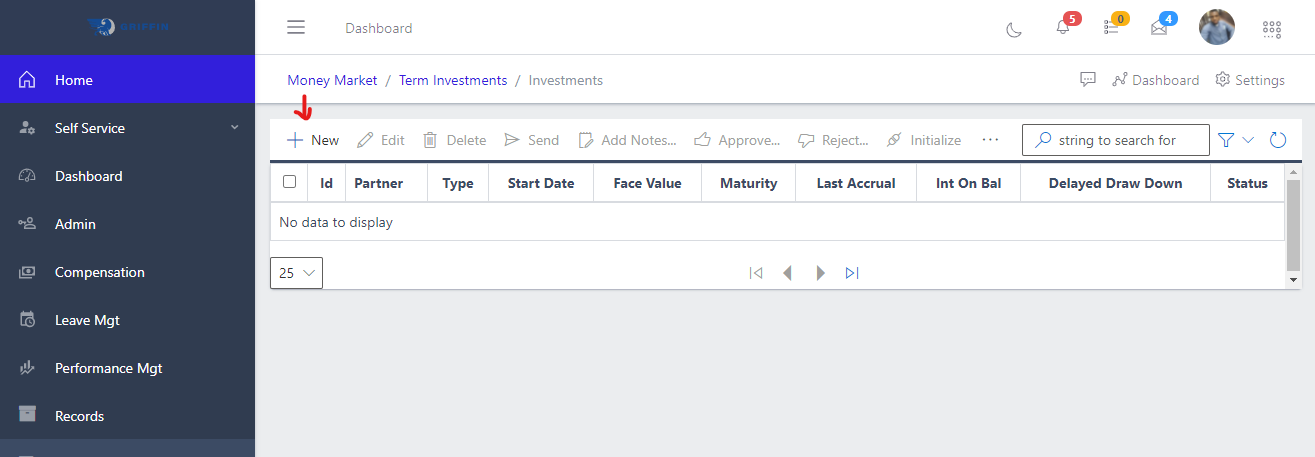
Hitting the Create button to begin creating a new Term investment transaction as shown in Fig 2 above, this takes you to the Investments create page shown in Fig 2a below. The areas highlighted red are required fields and must be filled before the document can succesfully create.
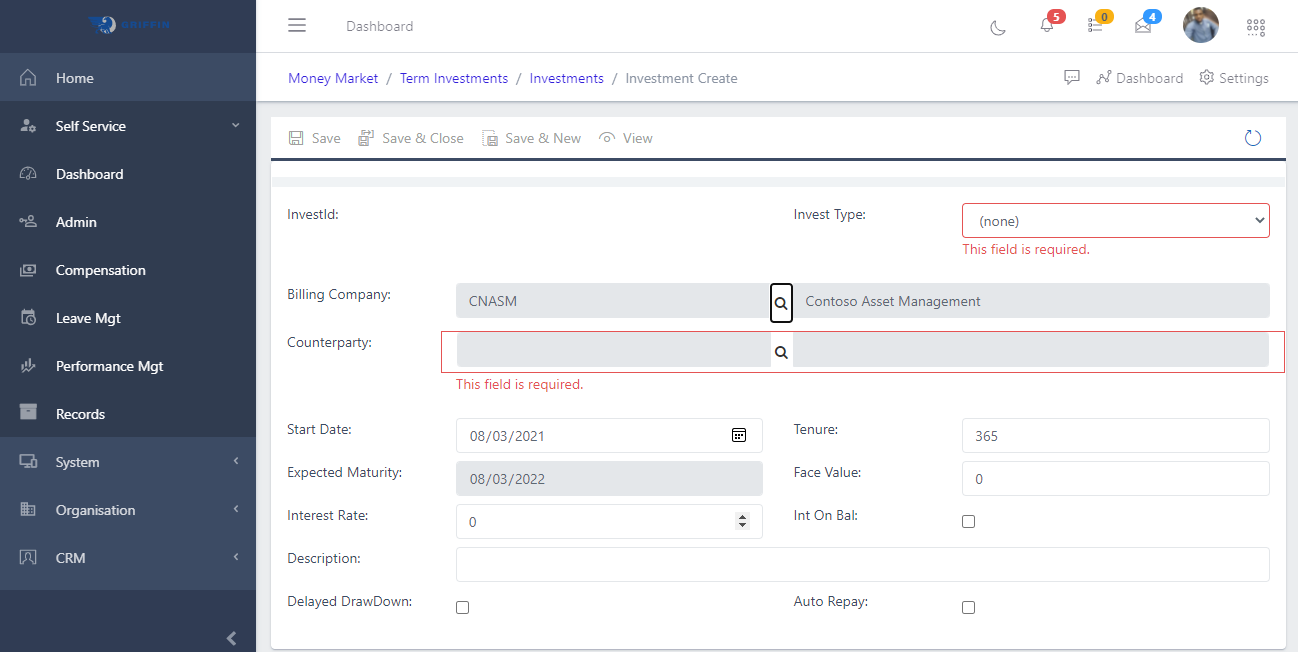
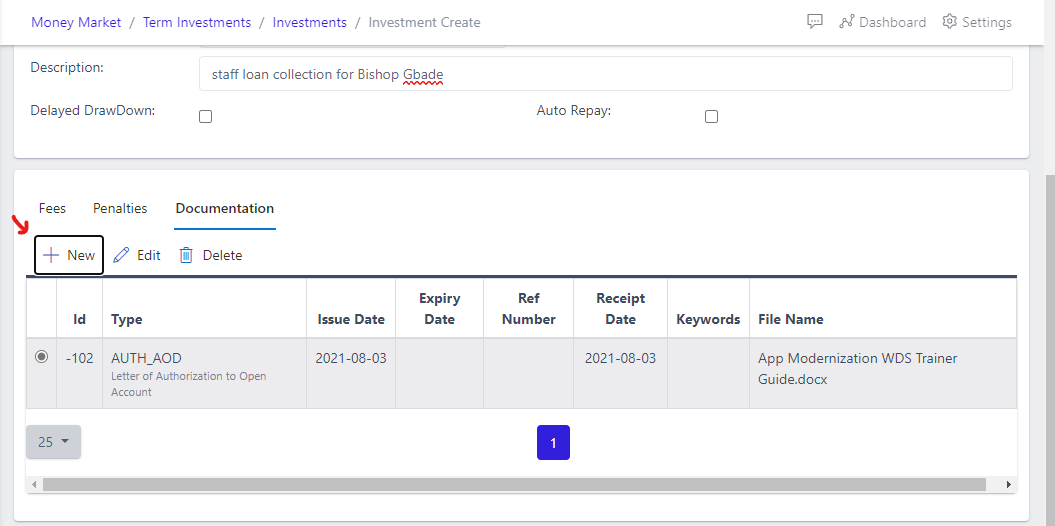
Fig 2b below shows adding a document to the transaction in the documentation tab, eg documentation around repayments schedules, negotiation of refinancing, change in interest rate (where it deemed variable at the outset), etc.
An Investment can only be edited when its in the PENDING status. Immediately a new investment is created it enters this PENDING status.
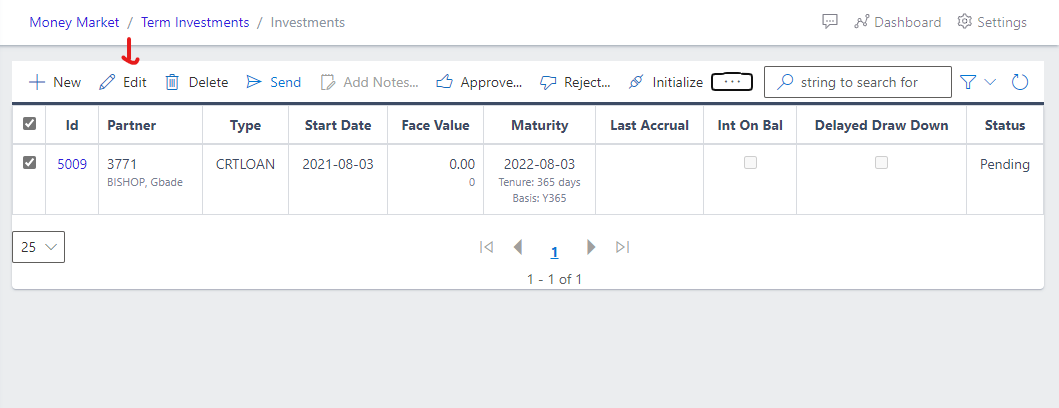
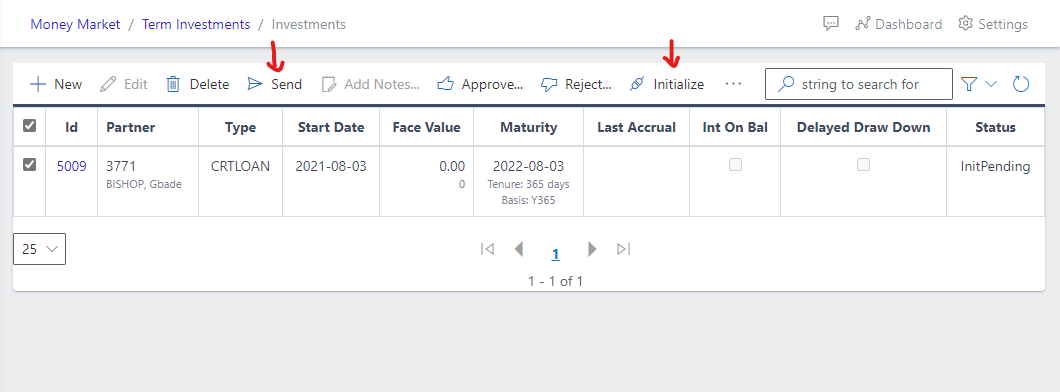
To get an Instrument running, hit the SEND button to change the status to InitPending as shown in Fig 2d. Hitting the INITIALIZE button sets the Instrument as (Running).