MM Order

Money Market Orders can be managed from this sub-module

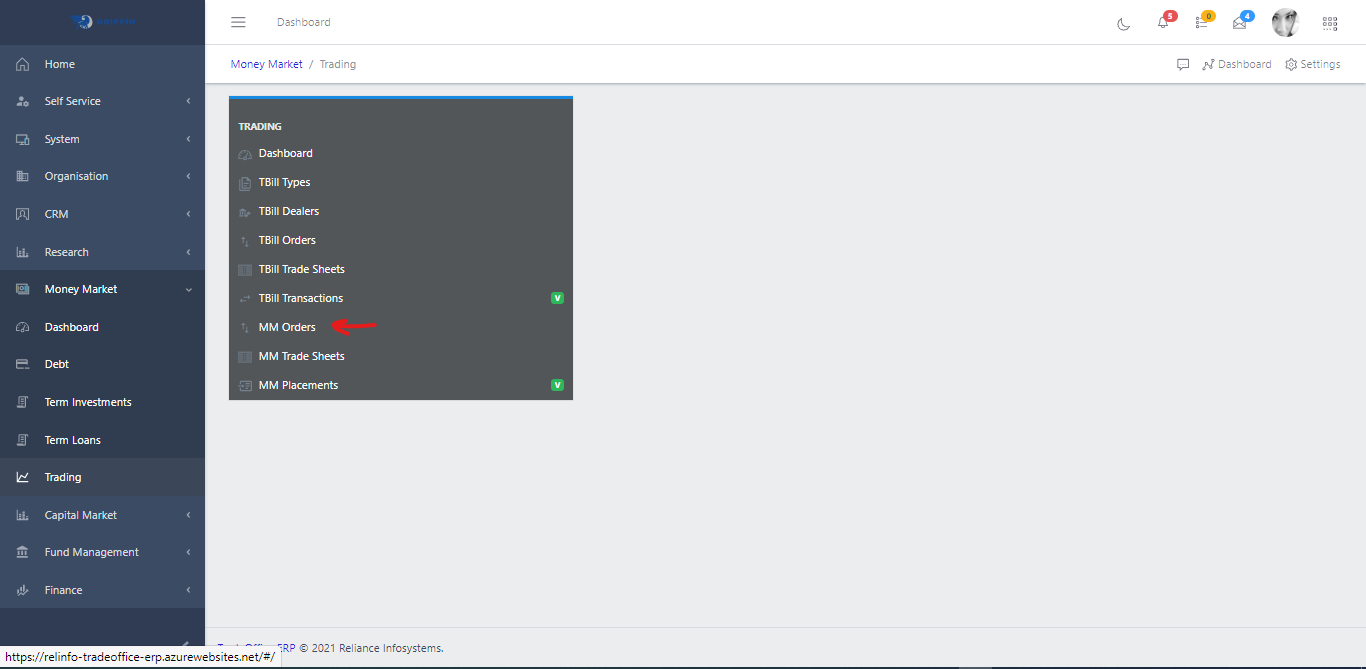
  • Access the Trading sub-module in the Money Market module as shown in Fig 1
MM Order
Fig 1.0
  • Click MM Orders

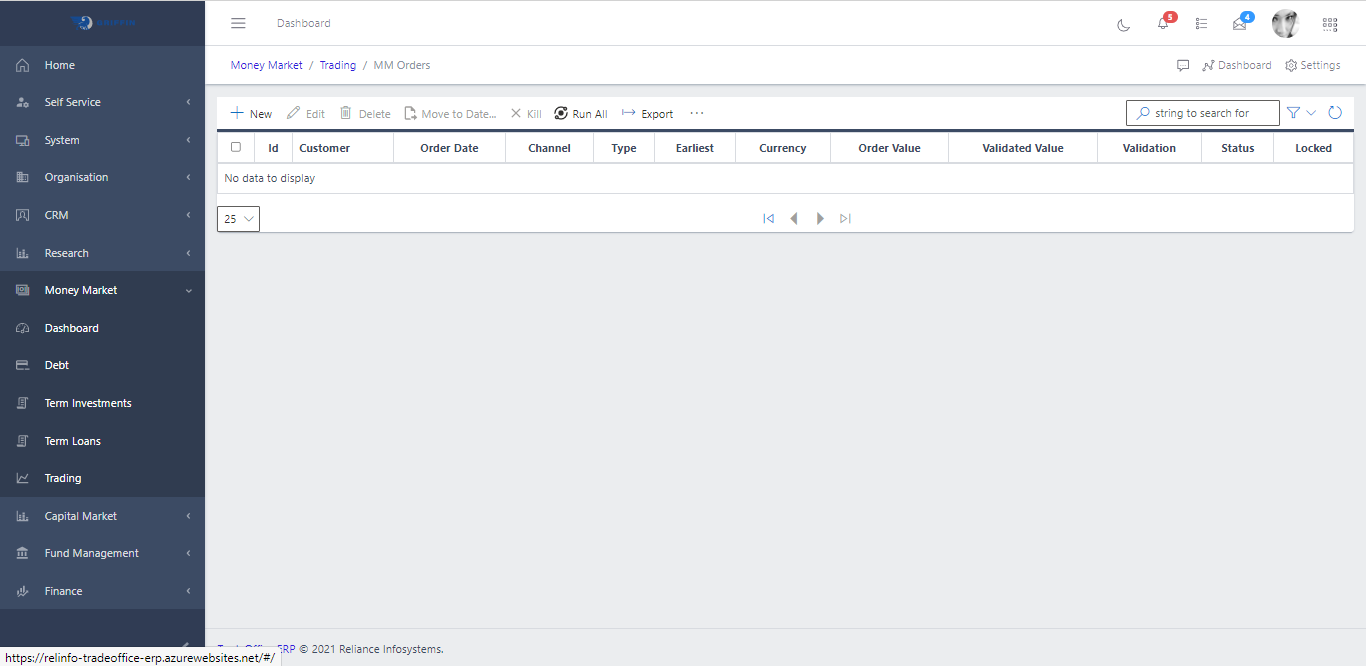
  • A list view of active MM Orders is displayed as shown in Fig 2a.
MM Order
Fig 2.0
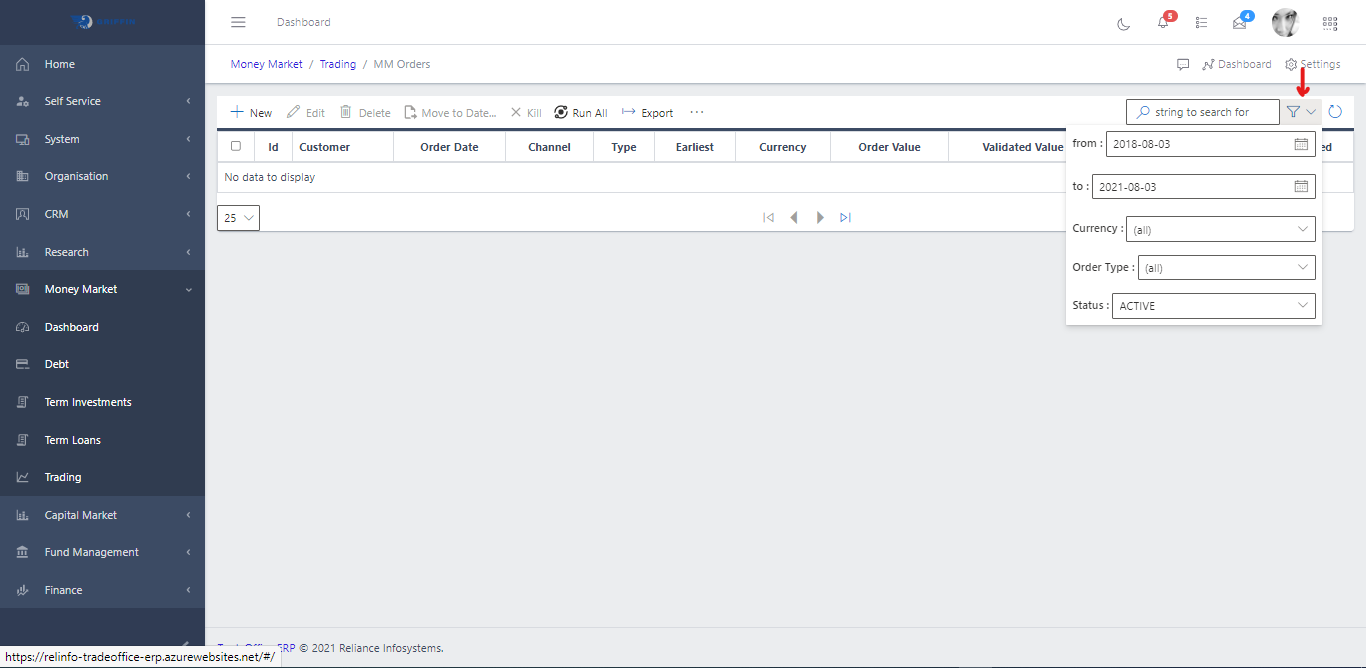
  • Fig 2b shows a Filter button, when clicked, gives you a dropdown where you can specify various parameters for filtering the records:
    • Search for: for filtering records
    • From: Date time
    • To: Date time
    • Channel: A dropdown list of channels.
    • Currency: A drop-down list of currencies.
    • Status: dropdown list of status types.
MM Order
Fig 2.0
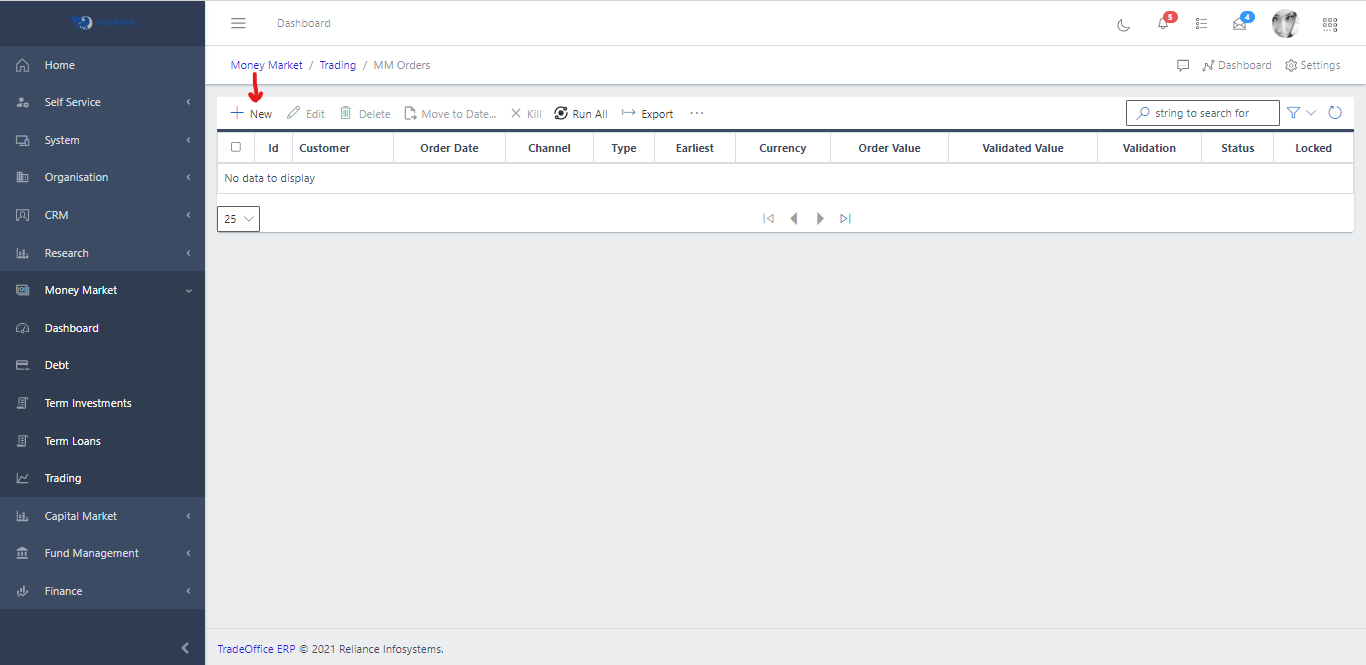
  • To Create an MM Order hit the Create button in the toolbar area and populate the form fields. See Fig 3a
MM Order
Fig 3.0
  • Below are some of the fields that should be populated
    • Order Date
    • Customer: To populate the customer field, click the filter button in the input field.
    • Order Type
    • Basis
    • Order Value
    • Currency
    • Channel
    • To add a document, click on the DOCUMENTADD button in the toolbar area.