Here’s a step-by-step tutorial for using the TradeOffice Payslips module:
Login: Access the TradeOffice system using your credentials.
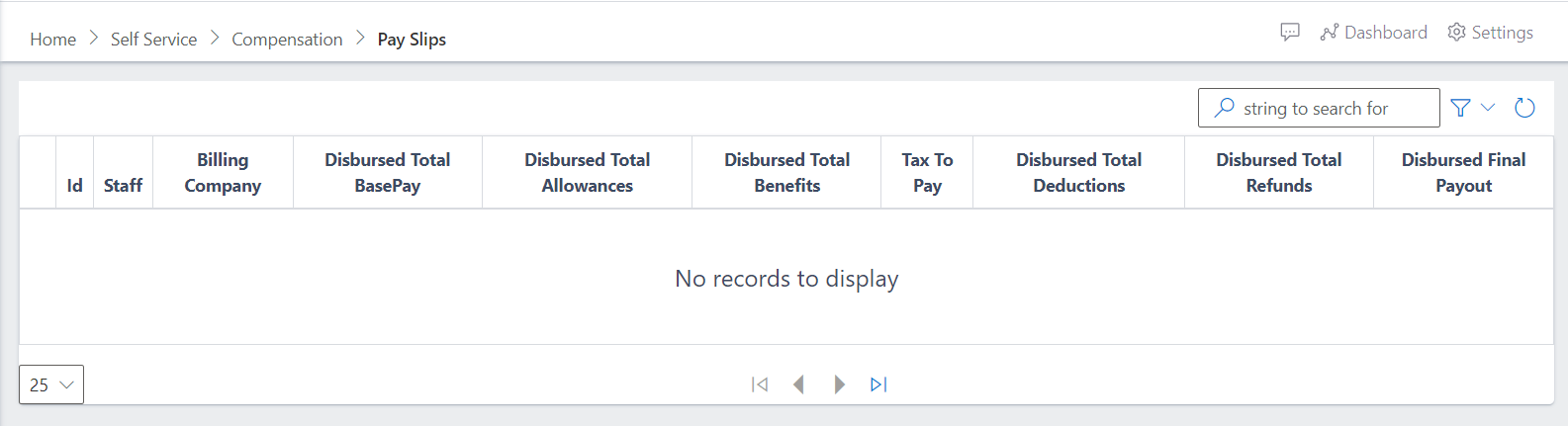
Navigate to Self Sercice: Go to the Compensation section and select the Payslips option.
Select Employee: Choose the employee whose payslip you want to view or generate.
Choose Pay Period: Select the appropriate pay period (e.g., monthly, bi-weekly).
View or Generate Payslip: Click on "View Payslip" to see the breakdown of earnings, deductions, taxes, etc. You can download or print it.
Download or Print: Click on the download or print button for distribution.
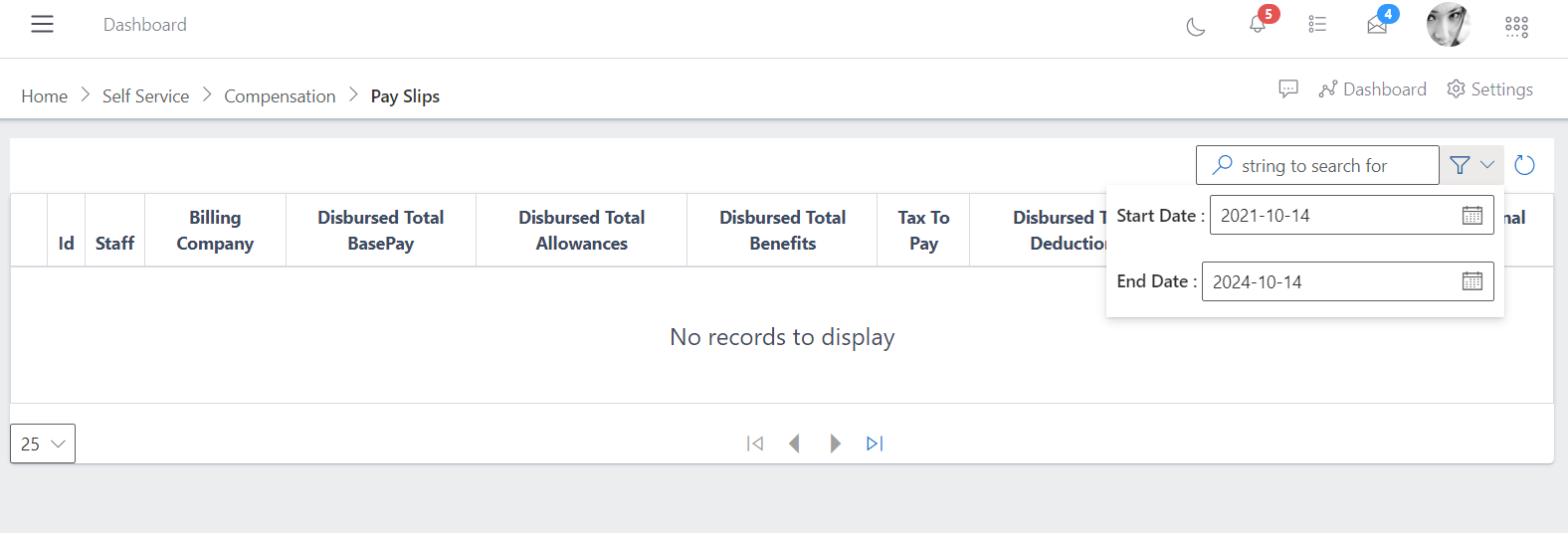
Pay Slips Dropdown
On the drop down you can search for the payslip information that you want by entering the string you want to search for and by selecting the start and end date.
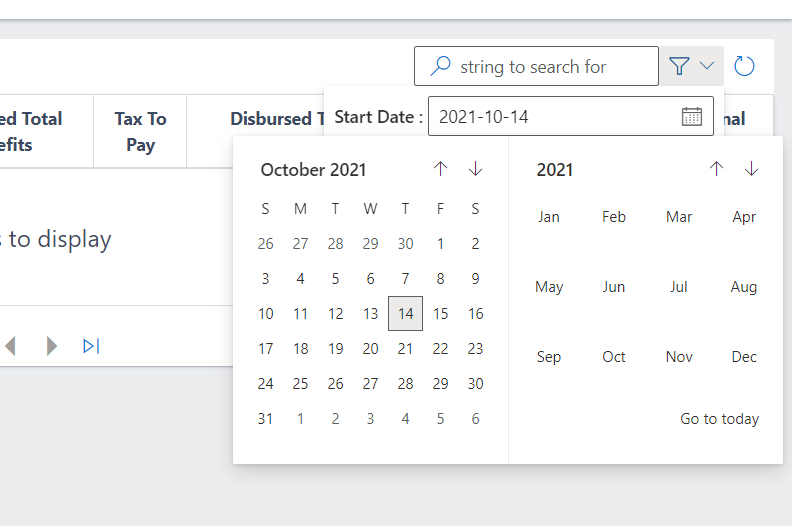
When you click on the calendar near the start or end date, they will be a display of a calendar.
You can select the date that you want by clicking on the date on the calendar.