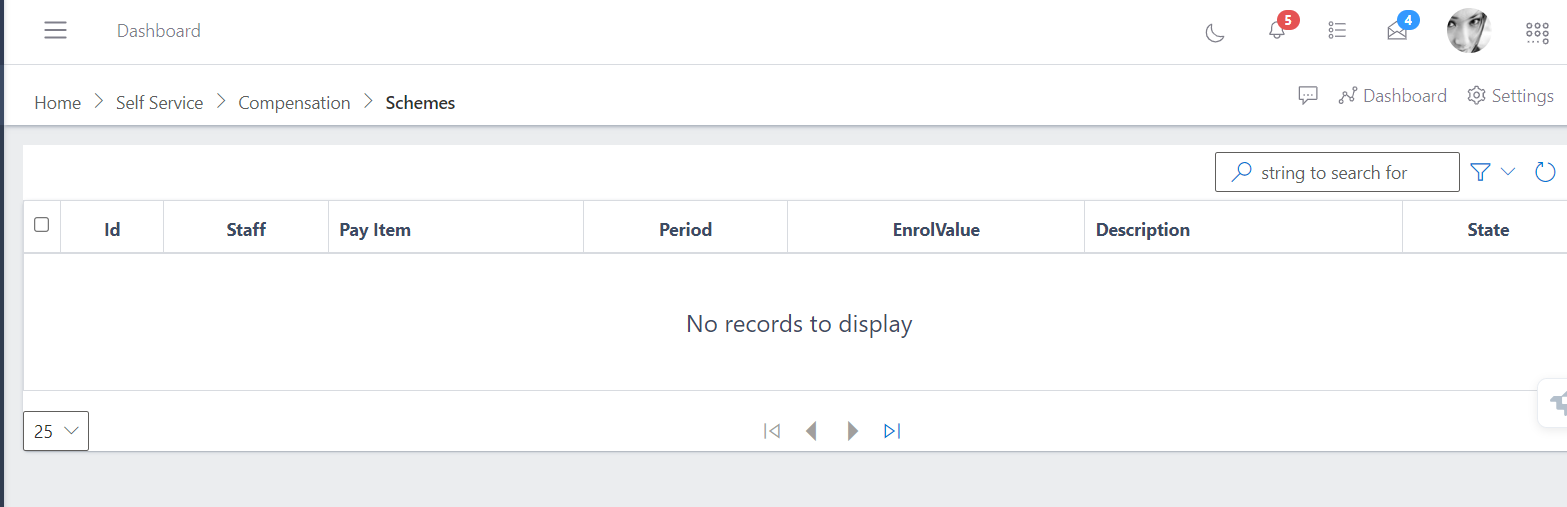
Scheme enrollment involves the process where employees or individuals are enrolled into a benefits or compensation scheme, such as a pension fund, insurance, or other employee welfare programs.
This typically includes:
-Registering personal details
-Selecting specific schemes
-Tracking contributions
-Managing plan details.
The system ensures accurate record-keeping and facilitates access to benefits in accordance with the organization’s policies.
The following are steps on how to navigate the scheme enrollment:
Login and Navigate to Enrollment: Begin by logging into the TradeOffice system and navigate to the Scheme Enrollment section.
Enter Employee Details: Input the employee's unique ID and verify staff information.
Select Scheme and Pay Item: Choose the scheme (e.g., pension or health plan) and the corresponding pay item.
Set the Enrollment Period:Specify the duration (e.g., monthly or yearly).
Define Enroll Value:Enter the contribution amount or enrollment value.
Add Description and Submit:Provide additional details in the description field, check the state (e.g., active or pending), and submit the form.
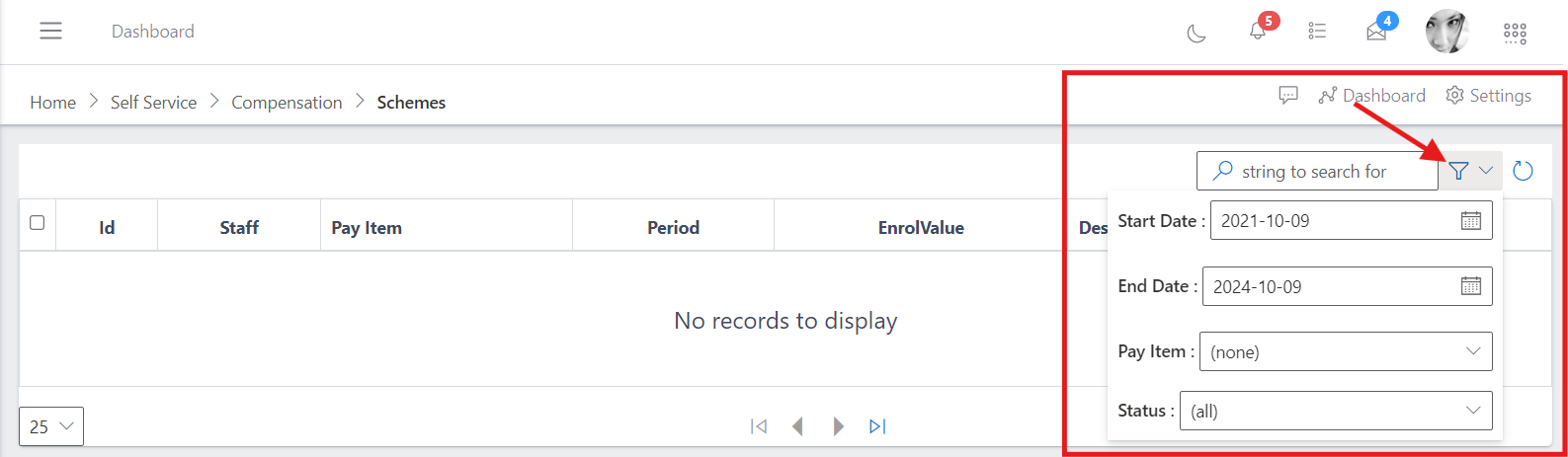
After you have done this and you want to search for a particular scheme enrollment details, you click the dropdown on the far right.
Then enter the string that you want to search for it by selecting the start and end date, also by selcting the pay item and the status.
As shown by the image below: