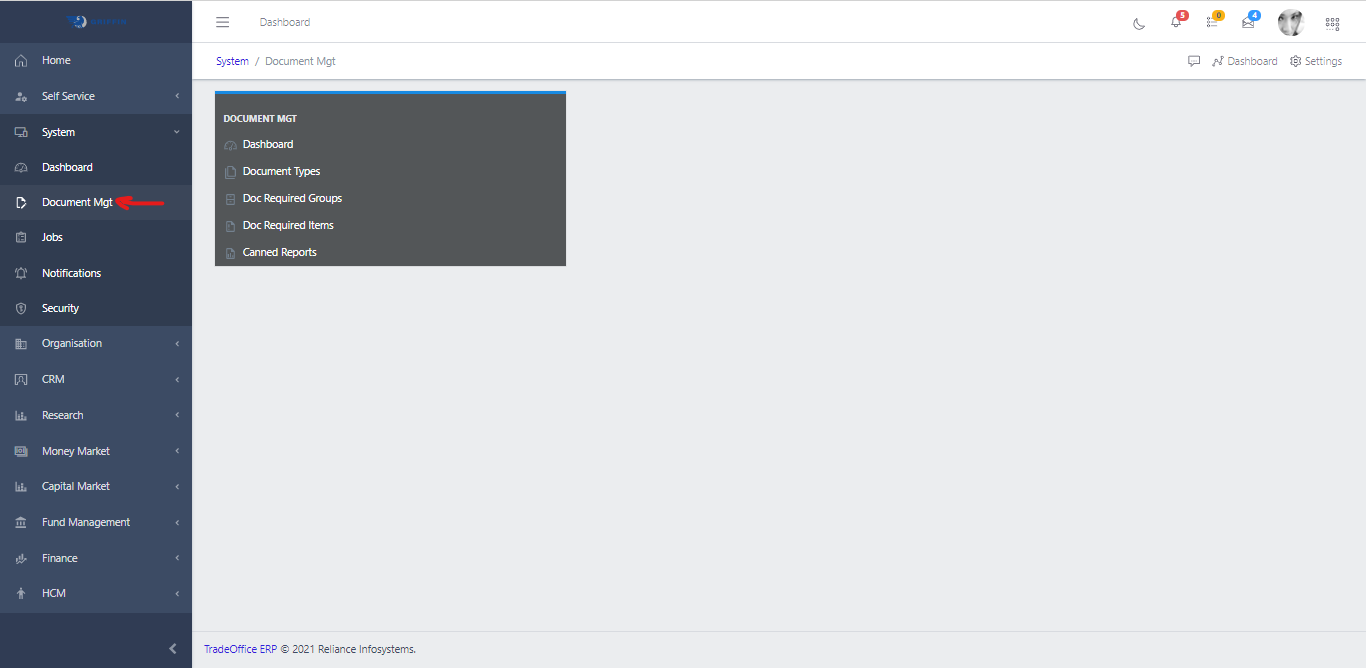
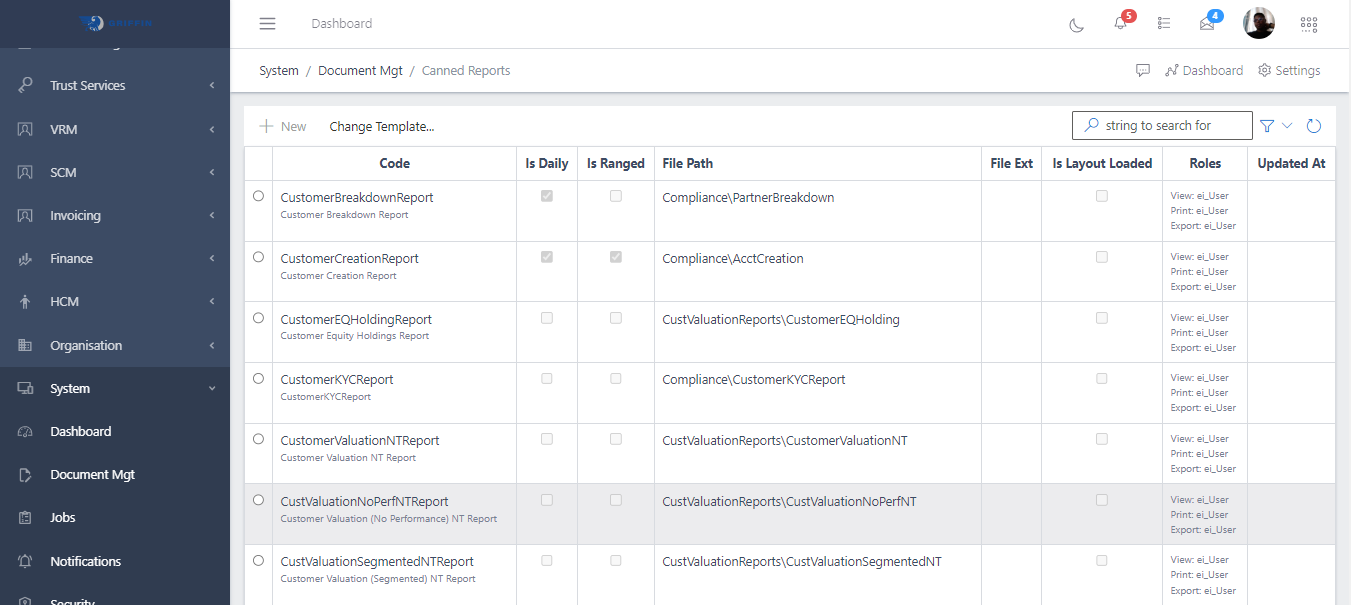
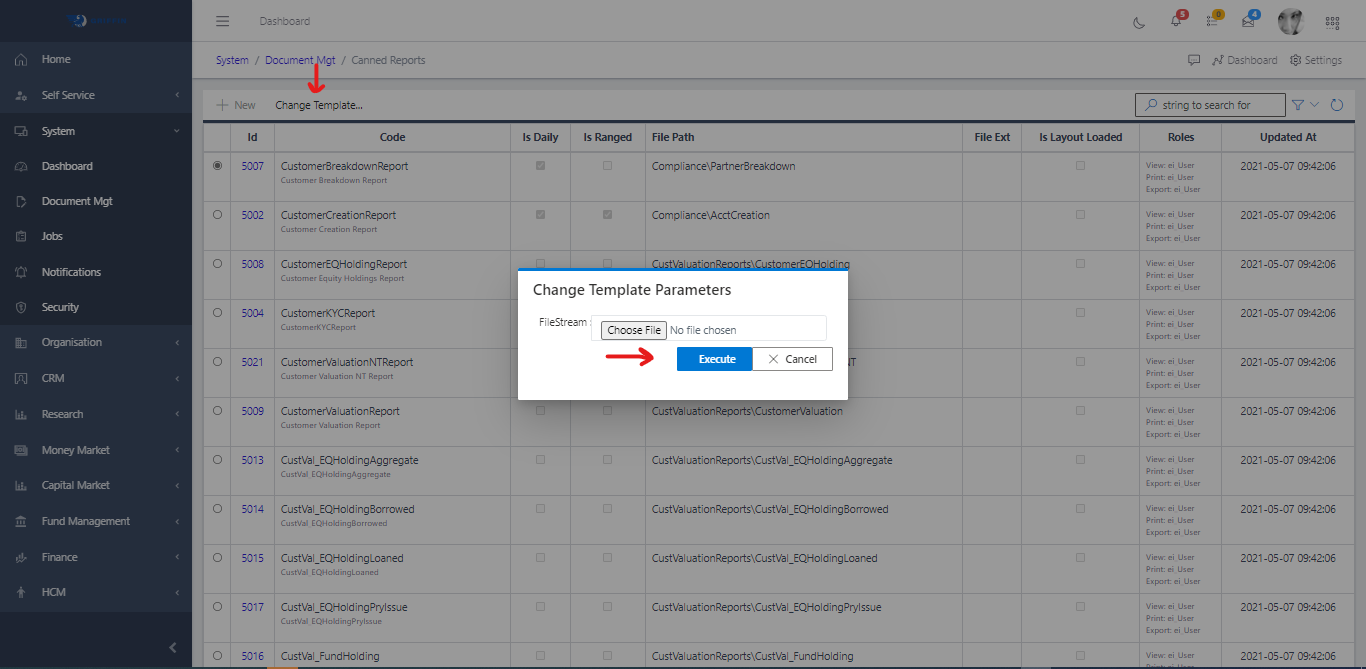
Access the Document Management sub-module of the System module.
Fig 1.0
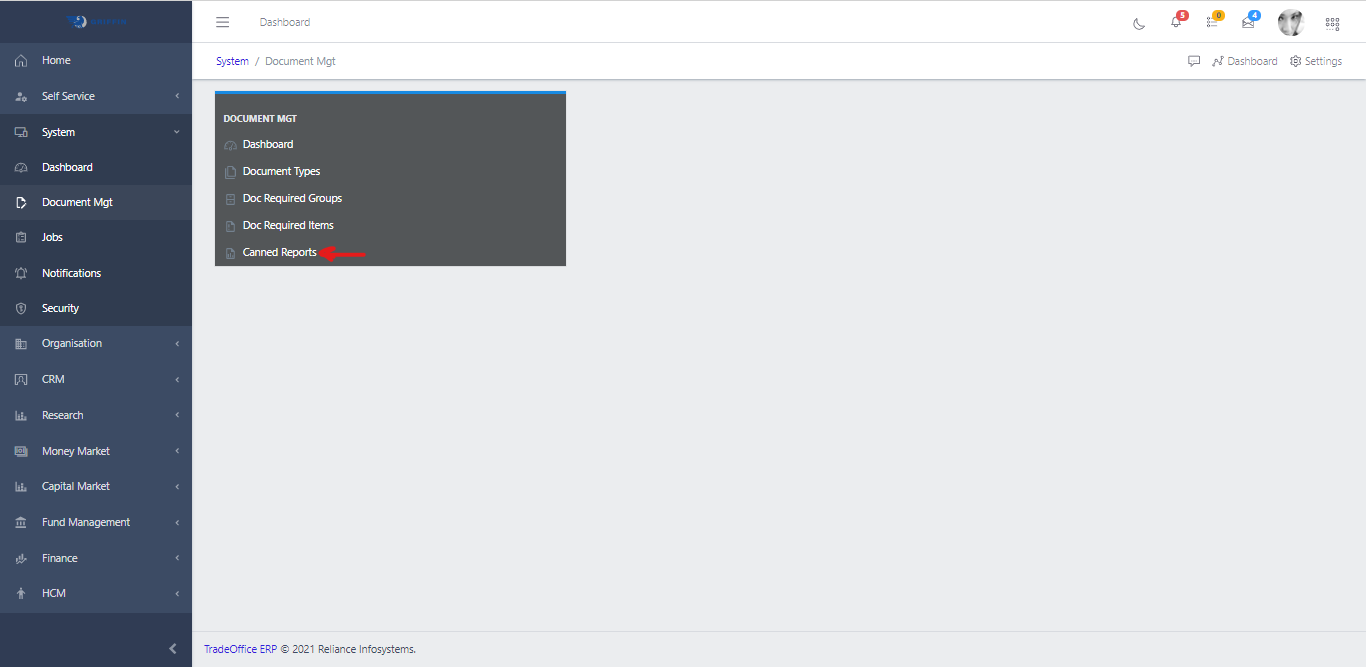
Click on Canned Reports.
Fig 1.1
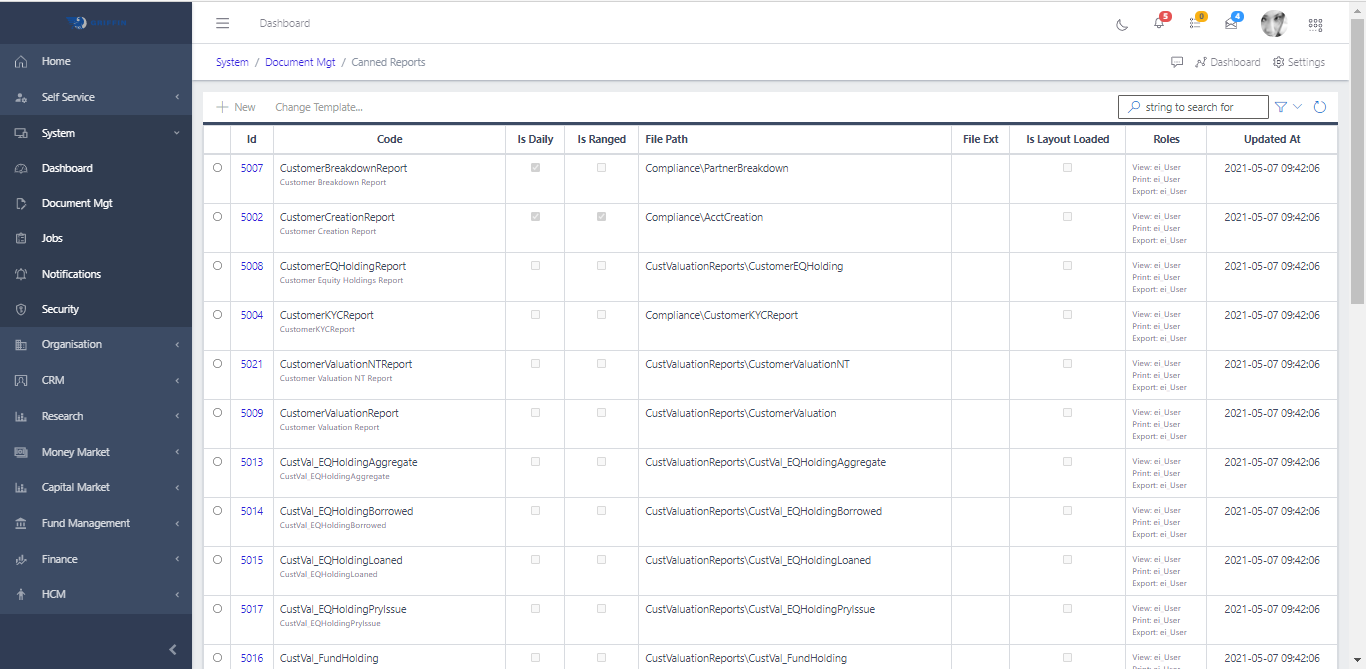
This displays a list view of Canned Reports.
Fig 1.2
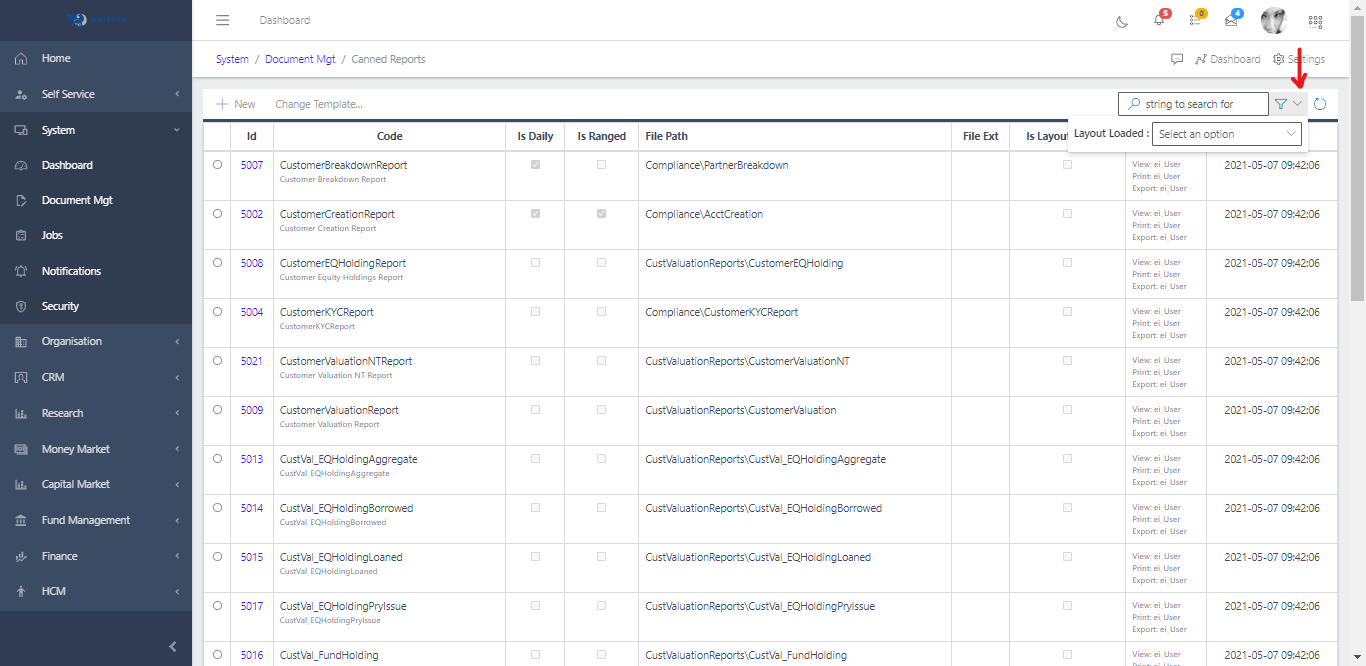
The Filter button, when clicked, opens a dropdown menu where you can specify various parameters for filtering the records. These parameters include:
Search string: This allows you to filter the records by a specific string. For example, if you want to filter all records that contain the word “customer,” you would enter “customer” in the search string field.
Layout Option: This Provides the option of filtering by a True or False or Undefined value.